
ComicsAI
Transform your stories into beautiful anime comics with AI — no drawing skills needed.
image generationtext to imagemange ai generator
5261
Explore an AI directory with 320 tools across 25 categories. Find AI apps, compare use cases, and discover tools for writing, coding, images, video and automation.
Transform your stories into beautiful anime comics with AI — no drawing skills needed.

Create custom tattoo designs with AI and preview them on your body before getting inked.
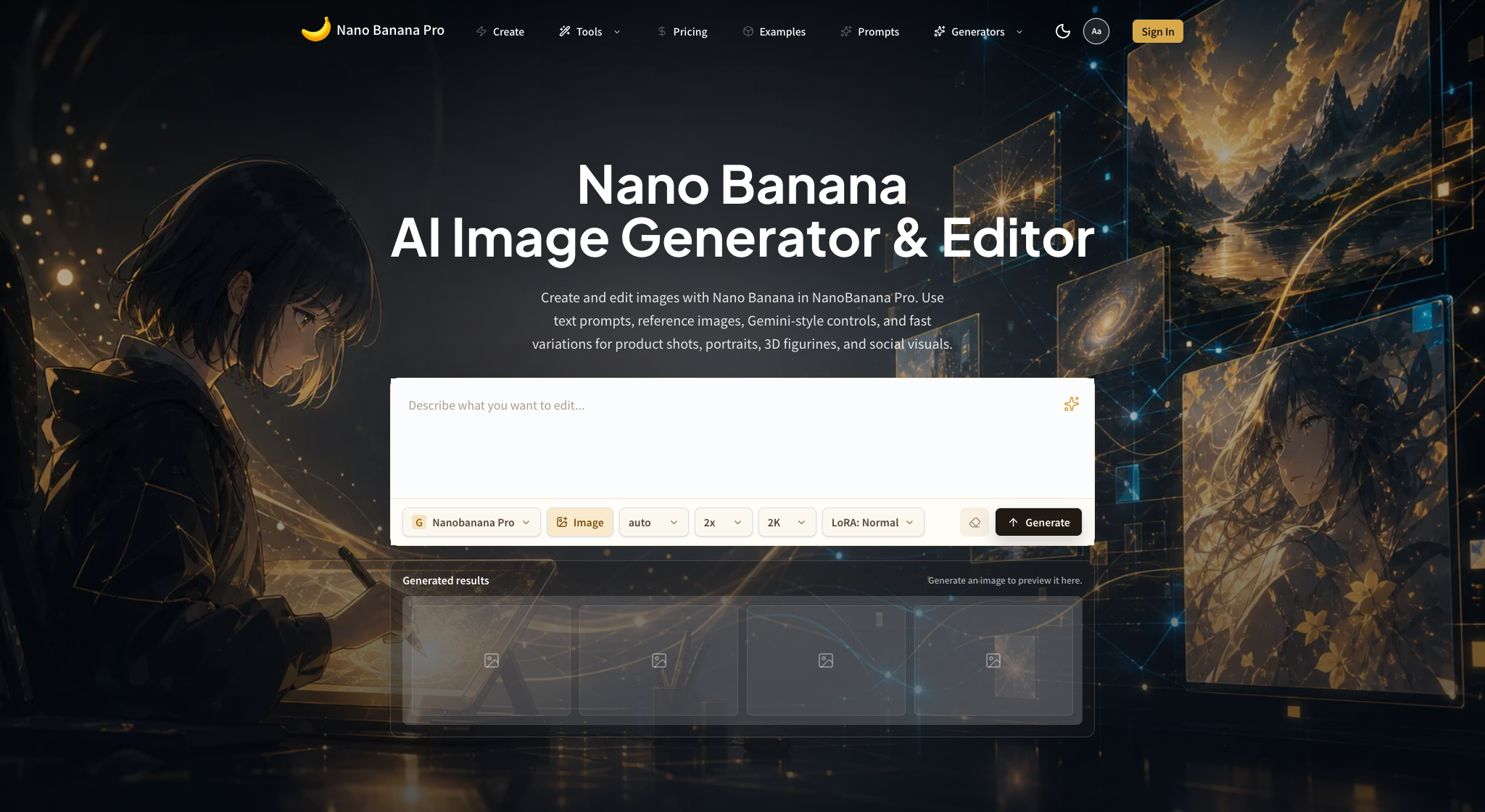
NanoBananaProMax is a third-party browser image generator/editor using Nano Banana branding; it is not an official Google property. This review distinguishes it from Google's Gemini 3 Pro Image (Nano Banana Pro) and Gemini 3.1 Flash Image, compares web-plan and direct API economics, and covers reference editing, identity, text, product accuracy, privacy, rights, and quality control.

AI Toolbox Video Merger is a free browser-based video utility for combining multiple local video files into one clean MP4 file. It is designed for creators, marketers, students, educators, and small teams who need a simple way to join clips without installing heavy desktop software or uploading private media to an external server. The tool runs directly in the browser and uses WebAssembly-powered video processing, so the user's files stay on the local device during the workflow. The main use cases are straightforward but common: merging short social media clips, joining course recordings, combining product demo segments, stitching together screen recordings, or creating one video from multiple camera takes. Users can add several video files, arrange them in the desired order, and export a single merged MP4. The interface is intentionally simple, so non-technical users can complete the job quickly without learning a professional editor. AI Toolbox Video Merger is part of AI Toolbox, a collection of practical browser-based tools for everyday file, media, and productivity workflows. Its biggest advantages are privacy, speed, and accessibility. There is no sign-up requirement, no watermark, and no mandatory cloud upload. This makes it useful for people handling personal videos, work recordings, client assets, or early creative drafts that they do not want to send to a third-party server. The tool is free to use and works online in modern browsers. It does not try to replace advanced video editing suites; instead, it focuses on one job and makes that job easy: merge videos as quickly and privately as possible. For users who only need to combine clips, this lightweight workflow is faster than downloading an editor, creating a project, exporting presets, and managing local software updates. AI Toolbox Video Merger is a good fit for anyone looking for a privacy-first, no-install video merging tool.
Daily startup discovery
Meet fresh launches, community favorites and ambitious products shaping how we work with AI.

One terminal for memes, tokenized stocks, perpetual futures, and automated market making.


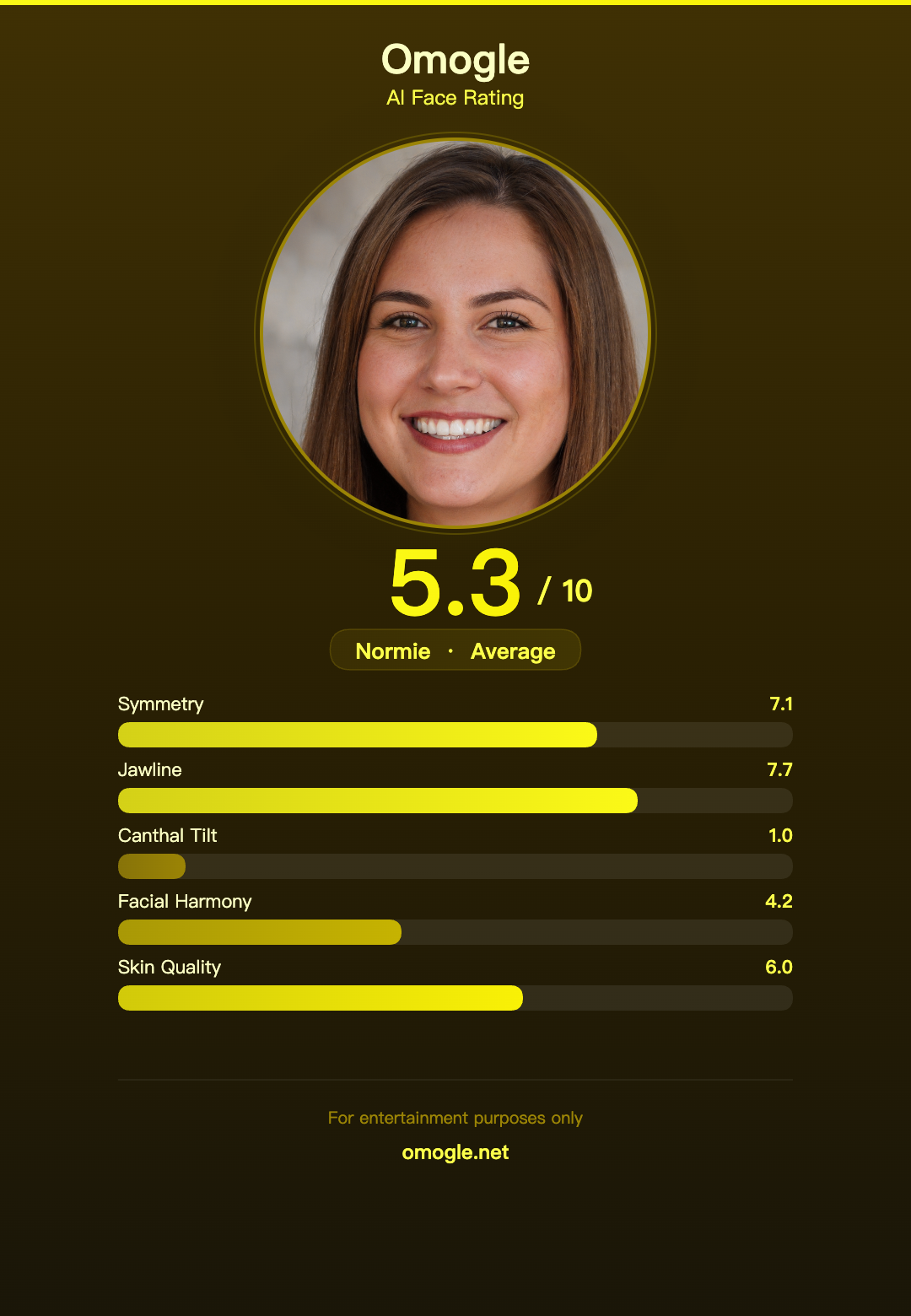
Omogle is a browser-based entertainment tool that estimates a PSL-style facial score from an uploaded photo; its output is subjective, non-clinical, and should be treated cautiously rather than as an objective measure of attractiveness.
AI Toolbox Video Merger is a free browser-based video utility for combining multiple local video files into one clean MP4 file. It is designed for creators, marketers, students, educators, and small teams who need a simple way to join clips without installing heavy desktop software or uploading private media to an external server. The tool runs directly in the browser and uses WebAssembly-powered video processing, so the user's files stay on the local device during the workflow. The main use cases are straightforward but common: merging short social media clips, joining course recordings, combining product demo segments, stitching together screen recordings, or creating one video from multiple camera takes. Users can add several video files, arrange them in the desired order, and export a single merged MP4. The interface is intentionally simple, so non-technical users can complete the job quickly without learning a professional editor. AI Toolbox Video Merger is part of AI Toolbox, a collection of practical browser-based tools for everyday file, media, and productivity workflows. Its biggest advantages are privacy, speed, and accessibility. There is no sign-up requirement, no watermark, and no mandatory cloud upload. This makes it useful for people handling personal videos, work recordings, client assets, or early creative drafts that they do not want to send to a third-party server. The tool is free to use and works online in modern browsers. It does not try to replace advanced video editing suites; instead, it focuses on one job and makes that job easy: merge videos as quickly and privately as possible. For users who only need to combine clips, this lightweight workflow is faster than downloading an editor, creating a project, exporting presets, and managing local software updates. AI Toolbox Video Merger is a good fit for anyone looking for a privacy-first, no-install video merging tool.
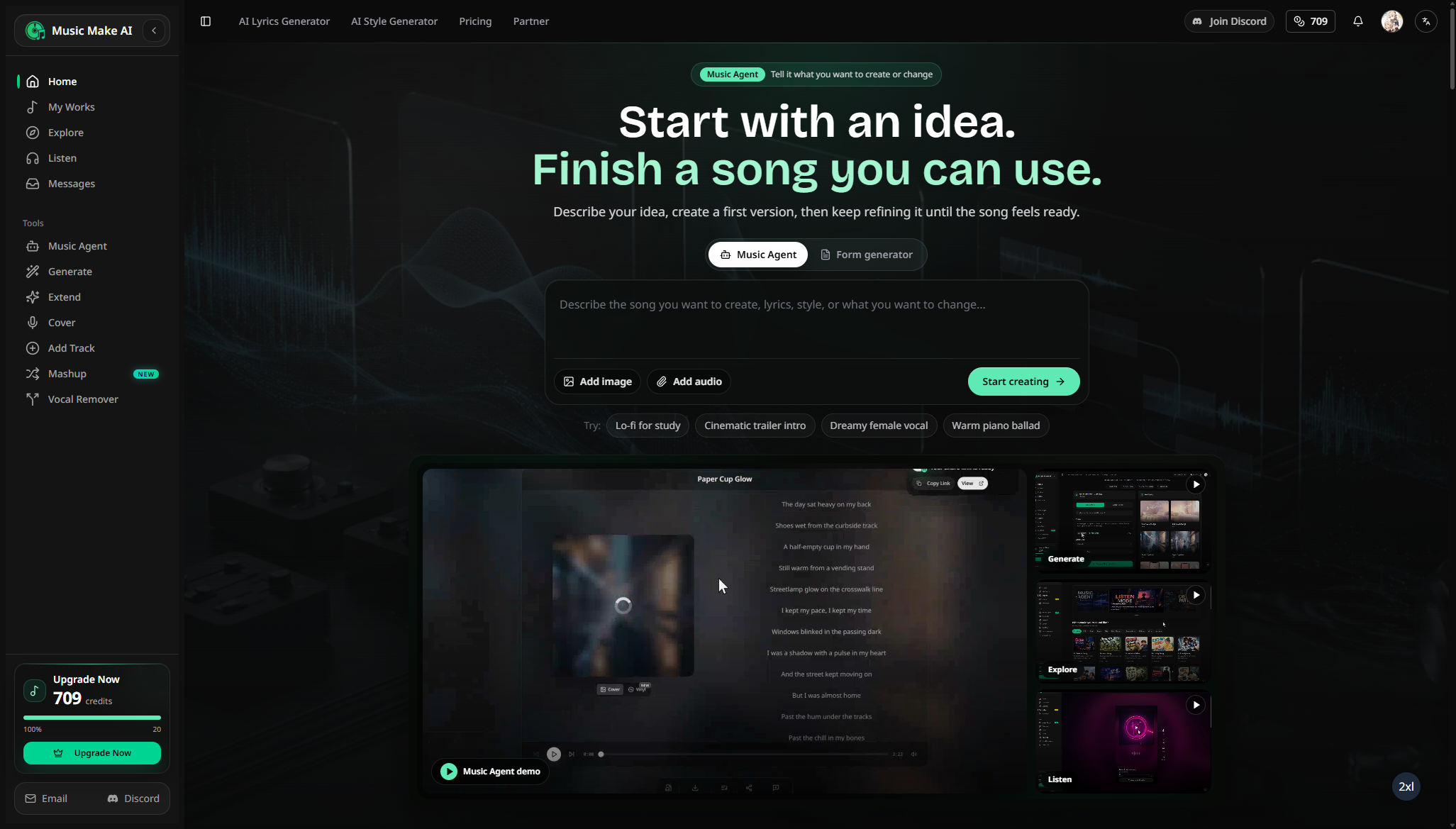
MusicMake.ai is a browser-based AI music workspace for generating songs from prompts or lyrics, then extending, remixing, editing, separating, and exporting tracks for creator projects under plan-specific licenses.
Magic Hour is an AI media creation platform for creators, marketers, developers, and teams that need to make visual and audio content quickly. The browser product includes more than 100 tools for generating and editing videos, images, GIFs, and audio. Core workflows include text-to-video, image-to-video, video-to-video, image generation and editing, face swap, lip sync, talking photos, voice generation, and voice cloning. Users can start with free tools without entering a credit card, while paid plans add more credits, higher export limits, watermark-free output, commercial use, and broader API access. Creator plans currently start at $19 per month, with annual billing available at a lower effective monthly rate. Magic Hour also supports technical and automated workflows. Developers can use the REST API and official SDKs, and teams can connect the hosted Streamable HTTP MCP server to compatible AI clients. The MCP server exposes Magic Hour media tools so an AI assistant can discover capabilities, submit generation jobs, and retrieve results through structured tool calls. Authentication uses a Magic Hour API key supplied securely in the client configuration. Magic Hour is designed for practical production work such as social clips, ads, product demos, creator videos, image concepts, marketing variations, branded assets, lip-synced presenter content, and programmatic media pipelines. It combines video, image, and audio creation in one product instead of requiring a separate service for each media type. The public website documents pricing, tools, developer APIs, SDKs, and MCP installation. Magic Hour does not promise that every model, format, or resolution is available on every plan; limits and credit costs vary by tool, so customers should check the live pricing and documentation pages for current details. Website: https://magichour.ai/ Pricing: https://magichour.ai/pricing Tools: https://magichour.ai/tools MCP repository: https://github.com/magichourhq/magic-hour-mcp
Skydive lets teams create AI agents that complete real work inside the tools they already use. Instead of relying on another chatbot or manually building workflows, users describe the outcome they need and Skydive builds an agent around it. No code, prompt engineering, or blank canvas is required. Every agent has its own computer with a real browser. It can log into tools, click, type, pull data, and complete tasks from start to finish, just like a person. If you can do something on a computer, your agent can do it too. Teams are not limited to one assistant. They can build a crew of agents, each with its own role, that hand off tasks and share context to tackle bigger jobs. Agents can work wherever teams already do, including the web, Slack, email, and iMessage, with one identity and memory across channels. Skydive agents can also work independently. Teams can turn recurring tasks into routines so agents monitor work, take action, and deliver results on schedule, even when no one is at their computer. Agents improve over time as well. Correct an agent once, and it remembers, allowing useful judgment to carry across conversations and the wider team. Skydive connects with tools teams already use, including Gmail, GitHub, Notion, and Linear. Agents can read information, draft content, schedule tasks, and take action on a team’s behalf. By combining autonomous agents, shared context, browser-based computer access, and integrations, Skydive helps teams automate real work while keeping people and their workflows connected. This gives teams a flexible way to delegate work without replacing the systems they already rely on. Rather than simply answering questions, Skydive agents can take action, coordinate with other agents, and keep work moving across steps. The result is a more practical approach to AI for team workflows.
Blur & Unblur AI is a free browser-only face privacy editor for JPG, PNG, and WebP images. It detects faces, supports manual lasso correction, applies selective or full-image blur, offers a cosmetic Face Unblur enhancement, and exports PNG locally without a processing upload.
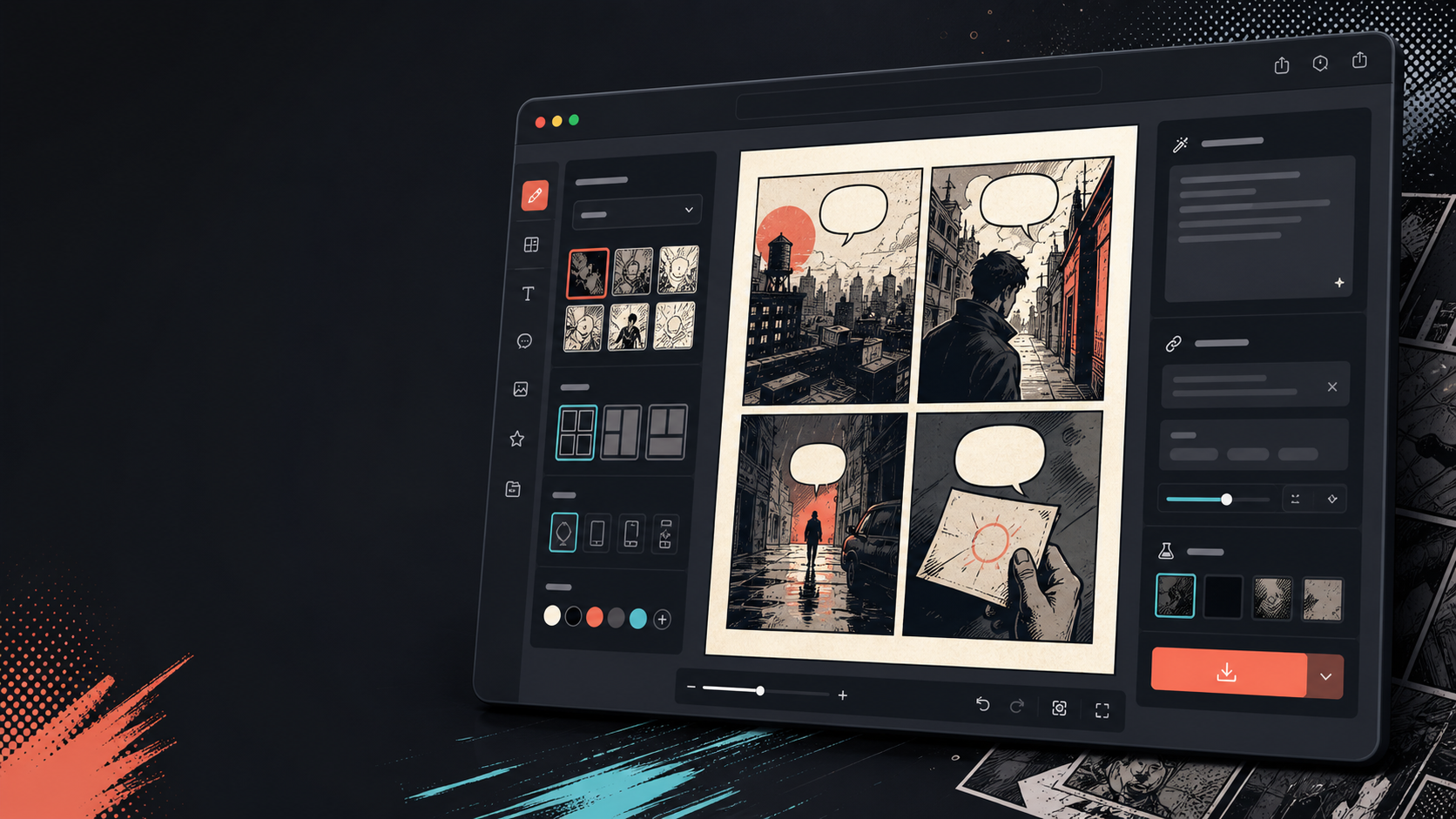
Comics Maker turns one scene into an editable comic page with beat planning, recurring-character references, generated panels, draggable speech bubbles, flexible layouts, and JSON project export. This practical review covers workflow, consistency, credit economics, rights, localization, print handoff, and alternatives.
Zvec is an open-source in-process vector database that packages dense retrieval, full-text search, and hybrid querying into a lightweight library for AI applications.
VoxCPM2 is OpenBMB's Apache-2.0 tokenizer-free 2B text-to-speech model for 30 languages, voice design, controllable cloning, streaming, fine-tuning, and 48kHz output. This guide covers modes, deployment, evaluation, consent, provenance, and alternatives.

Bastion is a pre-1.0 MIT-licensed orchestrator that runs background coding agents in separate Cloud Hypervisor VMs on self-hosted Linux/KVM infrastructure. This guide covers its layered VM architecture, templates, security boundaries, secrets, networking, clusters, rollout, costs, and alternatives.
Trace is a Mac-first meeting transcript app that keeps recordings local, lets you flag moments during a call, and avoids the usual cloud bot workflow.
aisuite is an open-source Python framework that unifies multiple LLM providers behind one API and adds an agents layer with tools, toolkits, and MCP support.
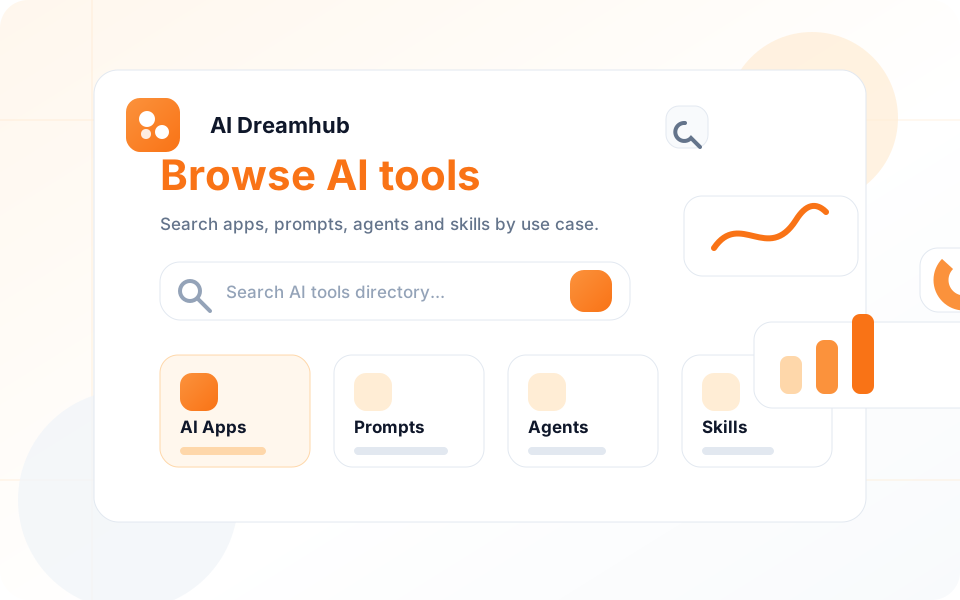
Browse the AI directory
Start with the section that matches your search intent, from an AI app directory for product discovery to prompt, agent and skill collections for hands-on workflows.
Browse AI apps for writing, image generation, video creation, coding, research and daily productivity.
Find prompt resources and reusable prompt ideas for ChatGPT, Claude, Gemini and creative workflows.
Explore AI agents for automation, research, coding, customer support and multi-step task execution.
Learn practical AI skills, tool workflows and prompt techniques for developers, marketers and teams.
Why this directory
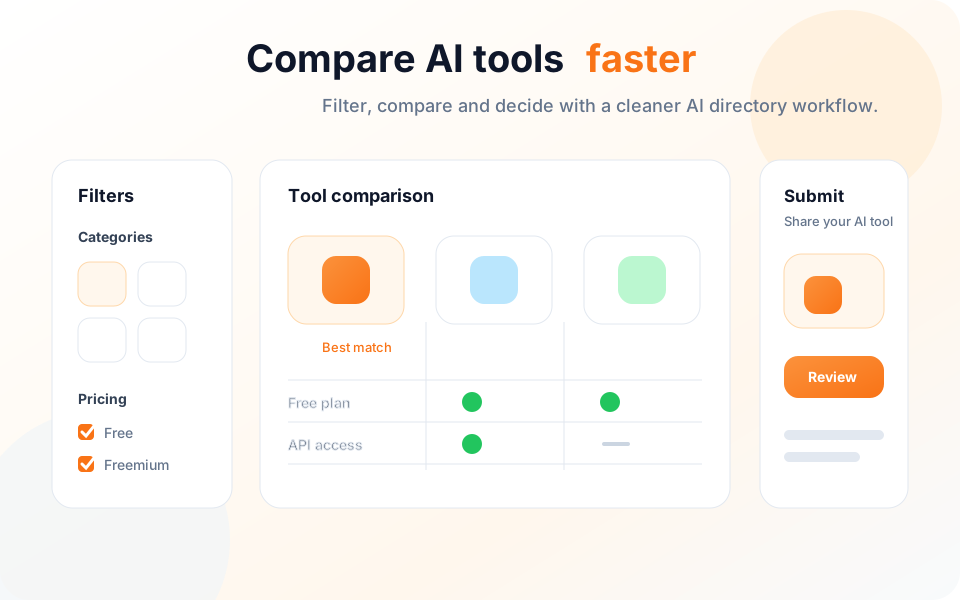
AI Dreamhub turns scattered product recommendations into a browsable directory with clear paths for discovery, comparison and submission.
Submit a toolUse categories, search and tags to move from a broad AI directory query to a short list of tools that match your workflow.
Find newer AI apps, agents, prompt resources and skill guides without relying on a single static recommendation list.
Share an AI product with the directory so users can discover it from relevant category and search pages.
Answers for people comparing AI directories, free AI tools, prompts, agents and skill resources.
Submit your AI tool to AI Dreamhub and reach thousands of users.
Submit Your Tool