
Suno AI
Create stunning original music for free in seconds using AI. Make your own masterpieces, share with friends, and discover music from artists worldwide.
ai-musicfree
3680
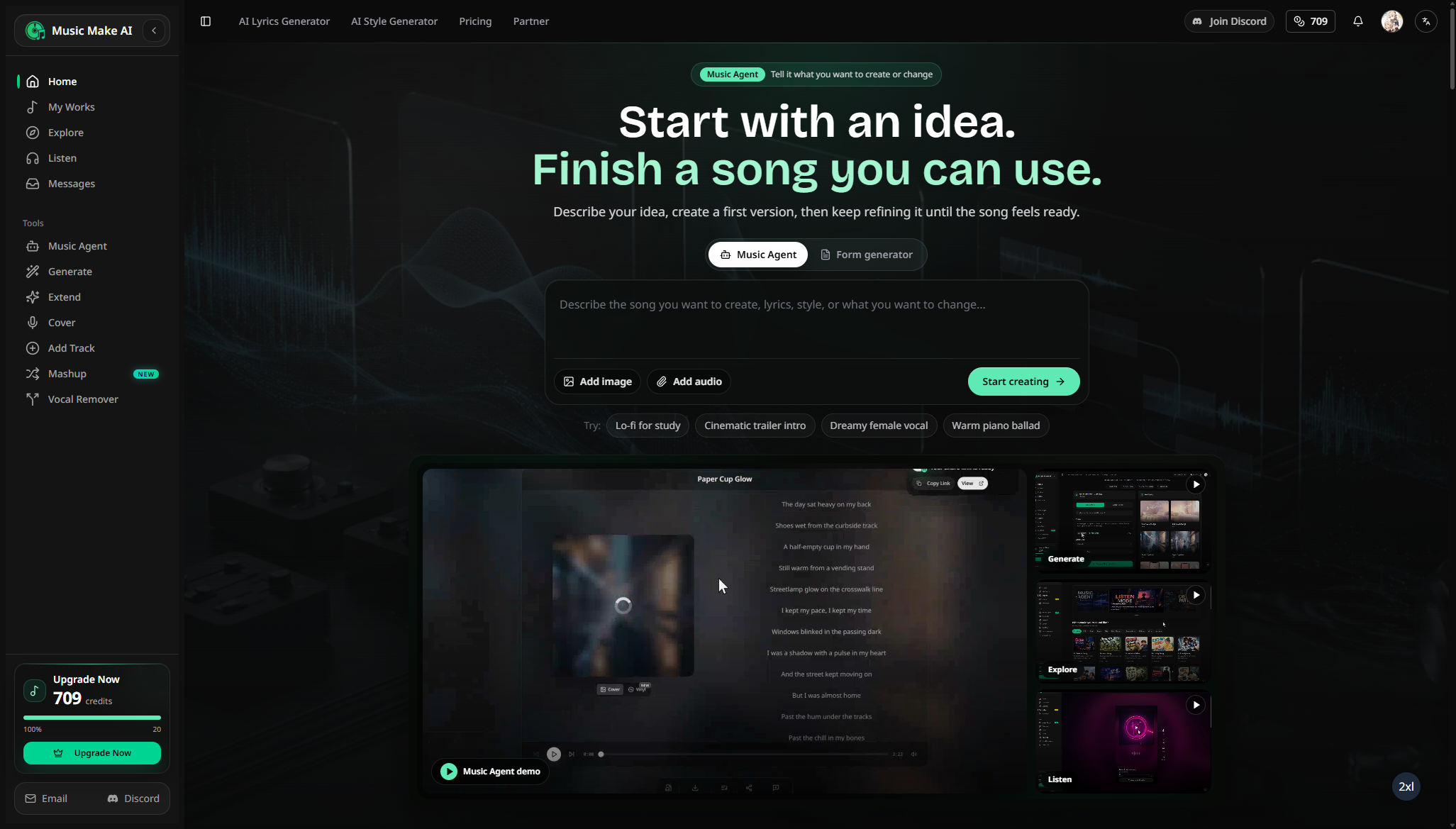

MusicMake.ai is a browser-based AI music workspace for generating songs from prompts or lyrics, then extending, remixing, editing, separating, and exporting tracks for creator projects under plan-specific licenses.
704
Views
0
Likes
May 2026
Added
musicmake.ai
Website
A quick visual look at MusicMake AI before you visit the official site.
Editorial Review
MusicMake.ai is a browser-based music generation and editing service for creators who need original tracks, song ideas, vocals, covers, stems, or sound assets without building a full production setup. Users can begin with a text prompt or lyrics, generate alternatives, and continue editing the result instead of treating generation as a one-click endpoint.
It is most useful for YouTube background music, podcast intros, game prototypes, ad concepts, social clips, client mood tracks, and rapid songwriting sketches. Musicians can use it to explore arrangements or hooks, but should expect to edit promising generations rather than receive a finished master every time.
Checked 25 July 2026: MusicMake.ai advertises a free trial with no card. Its Basic plan is shown at US$9.99 per month with 900 monthly credits; the site equates 12 credits with one standard generation that returns two tracks, or roughly 75 generations/150 tracks if every job uses the standard rate. The pricing page lists MP3 downloads and commercial-use rights on Basic, while WAV/lossless export, audio upload, voice/cover workflows, larger quotas, and faster processing depend on higher tiers or selected options.
These figures are a dated snapshot, not a guarantee. Before subscribing, check whether failed generations consume credits, whether unused credits roll over, what “commercial use” excludes, whether distribution or resale needs a different license, and how the service handles uploaded audio and cloned voices.
The service offers trial credits and paid subscription or credit options. Credit cost, concurrent jobs, audio upload, WAV export, voice features, private generations, and commercial-use rights depend on the selected plan. Pricing and license terms can change, so review the current plan page and terms rather than relying on a directory summary. Voice cloning also requires clear consent from the person whose voice is used.
The integrated generation-and-editing loop is more useful than a bare prompt box. Limitations include variable song quality, credit consumption during experimentation, plan-dependent exports, and unresolved creative or rights questions common to generative music. Compare Suno and Udio for full-song generation, AIVA or Soundraw for production-music workflows, and a DAW when precise composition and mixing control matter more than speed.
Commercial use is available under eligible plans, but the exact scope follows the current license and plan terms. Keep the generation certificate or account record and check restrictions before client delivery, advertising, distribution, or resale.
Not for detailed production. It is useful for ideation, generation, edits, and stems; a DAW remains better for precise arrangement, mixing, mastering, automation, and session management.
New users can start with trial credits without a card. Ongoing generation volume and advanced editing, export, privacy, and commercial features require credits or a paid plan.
Visit the official website to get started
Have an AI tool to share?
Get your product in front of people actively exploring AI tools.
Submit Your ToolCreate stunning original music for free in seconds using AI. Make your own masterpieces, share with friends, and discover music from artists worldwide.

Create music from simple text prompts by specifying topics, genres, and other descriptors which are then transformed into professional quality tracks.
Mureka is an AI music creation platform for generating songs from prompts or lyrics, using reference audio or vocal IDs, editing regions, remixing and exporting stems for production.
ElevenLabs Sound Effects is a text-to-sound-effects generator for creating custom SFX, ambience, loops, and cinematic audio from prompts. It supports prompt-based sound design, duration control, prompt influence, looping effects, multiple variations, downloads, and API workflows for video, games, podcasts, and apps.