Codeium
Codeium

Codeium

Codeium 现在应按 Windsurf 生态理解:AI 编程助手和 AI 原生 IDE,覆盖 Cascade、代码补全、插件和企业开发工作流。

59

Views

0

Likes

Jan 2026

Added

windsurf.com

Website

Tags

CodeiumWindsurfAI 编程助手AI IDECascade代码补全开发者工具

Product Preview

A quick visual look at Codeium before you visit the official site.

Published 1/21/2026
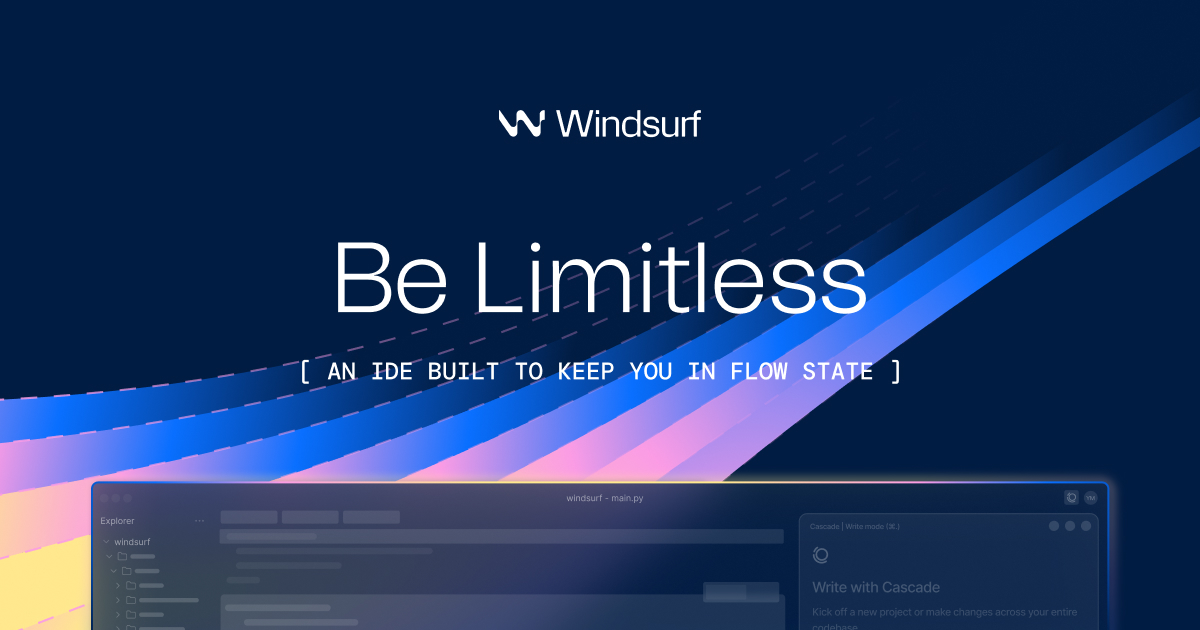
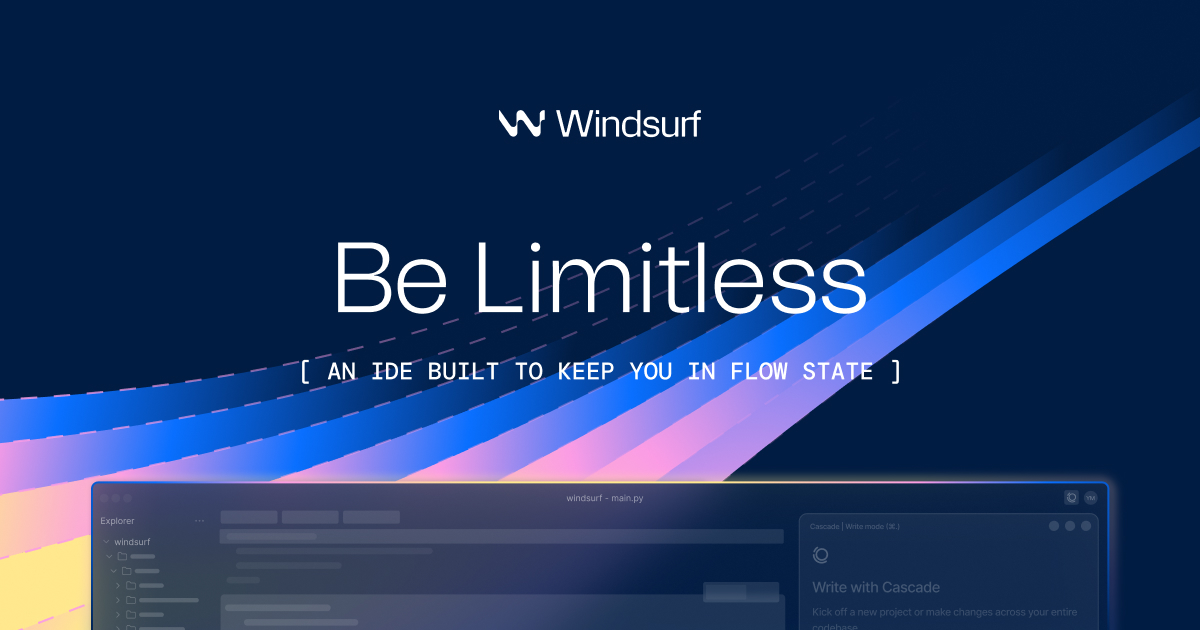
Codeium screenshot

Editorial Review

About Codeium

概览

旧 Codeium 页面需要校准到当前 Windsurf 体系。官方文档把 Windsurf Plugins 描述为 Codeium 式 IDE 助手的延续路径,而 Windsurf 官网重点介绍 AI-native editor、Cascade、代码库理解、工具调用以及本地/云端 Agent 工作流。

适合人群

它适合正在比较 AI 编程助手的开发者,尤其是搜索 Codeium、Windsurf、Codeium alternative 或 Windsurf AI IDE 的用户。页面要保留 Codeium 这个历史实体,同时把用户引向当前 Windsurf 产品。

核心功能

  • Windsurf Editor 提供围绕代码库上下文构建的 AI 原生开发环境。
  • Cascade coding agent 支持多步骤编辑、调试、规划和 repo-aware 协作。
  • Windsurf Plugins 支持 JetBrains、VS Code、Visual Studio、Vim、Neovim、Jupyter、Chrome 等编辑器场景。
  • 代码补全、聊天、模型访问、prompt/credit 用量和企业控制取决于套餐。
  • 官方文档明确提到 Windsurf Plugins formerly Codeium,因此命名迁移是 SEO 关键点。

真实应用场景

  • 在现有 IDE 中用补全和聊天完成日常开发。
  • 在 Windsurf Editor 里让 Cascade 规划和修改多文件任务。
  • 与 Cursor、GitHub Copilot、Cody、Qodo、Codex 比较大型代码库能力。
  • 团队暂时不能换编辑器时先使用插件。
  • 上线前评估企业控制、自托管、ignore 规则和隐私要求。

推荐工作流

  • 把 Codeium 搜索意图校准为 Windsurf,并核对官方当前命名。
  • 要最强 Agent 体验选 Windsurf Editor;要保留现有 IDE 则选 plugins。
  • 先在非关键仓库测试,并逐文件审查修改。
  • 接受 AI 代码后运行测试、类型检查、代码审查和安全审查。
  • 处理私有仓库前配置 ignore 规则和企业策略。

优点和限制

  • 适合 AI 原生编码、repo-aware 修改和 Agentic IDE 对比。
  • Codeium 到 Windsurf 的命名迁移容易让旧内容失真,页面必须讲清楚。
  • Agentic edits 可能错误、不完整或过度自信,测试和审查必不可少。
  • 模型、credits、插件能力和套餐权限会随编辑器与版本变化。

可对比替代品

  • Cursor 适合 AI-first 编辑和 Composer 工作流。
  • GitHub Copilot 适合 GitHub 企业生态。
  • Claude Code 或 Codex 适合终端/仓库级 Agent 工作。
  • OpenHands 偏开源软件开发 Agent。
  • Sourcegraph Cody、Qodo 更偏代码库辅助和评审质量。

媒体和案例素材

Codeium product preview or official media
截图使用 Windsurf 官方首页预览图,因为 Codeium 当前应映射到 Windsurf 产品和文档生态。

常见问题

Codeium 现在是 Windsurf 吗?

实际做产品研究时可以这样理解。官方 Windsurf 文档提到 Windsurf Plugins 与 formerly Codeium 的关系,旧 Codeium 页面应把用户导向当前 Windsurf 生态。

Cascade 是什么?

Cascade 是 Windsurf 的编码 Agent,用于代码库上下文下的规划、多文件修改、调试辅助和工具化开发。

该用 Windsurf Editor 还是插件?

想要最完整 Agentic 体验选 Windsurf Editor;团队必须留在 JetBrains、VS Code、Vim、Neovim、Visual Studio、Jupyter 等环境时选插件。

参考资料

Ready to try Codeium?

Visit the official website to get started

Visit Codeium

Quick Info

Added
1/21/2026
Published
1/21/2026
Updated
6/9/2026

Share This Tool

Have an AI tool to share?

Submit it to AI Dreamhub

Get your product in front of people actively exploring AI tools.

Submit Your Tool
Cursor

Cursor

Built to make you extraordinarily productive, Cursor is the best way to code with AI. - 智能 AI 工具,助力您的工作效率。
ai-codingfree
730
GitHub Copilot

GitHub Copilot

GitHub Copilot 是 GitHub 的 AI 编程助手,覆盖 IDE、GitHub.com、PR、CLI、代码审查和 Agent 式开发。它适合希望在现有仓库流程内获得 AI 帮助,同时保留测试、审查和治理的开发团队。

GitHub CopilotAI 编程助手Copilot Chat
660
Trae

Trae

Trae is your helpful coding partner. It offers features like AI Q&A, code auto-completion, and agent-based AI programming capabilities. - 智能 AI 工具,助力您的工作效率。

ai-codingfree
1980
MarsCode

MarsCode

MarsCode 是一个 AI 编程助手和 IDE 式开发工具,用于代码补全、解释、调试和代码生成。当前官方页面元信息也指向 Trae AI IDE,因此详情页需要说明品牌/产品路径可能变化,不能只当作静态旧工具。

MarsCodeTrae AI IDEAI coding assistant
730