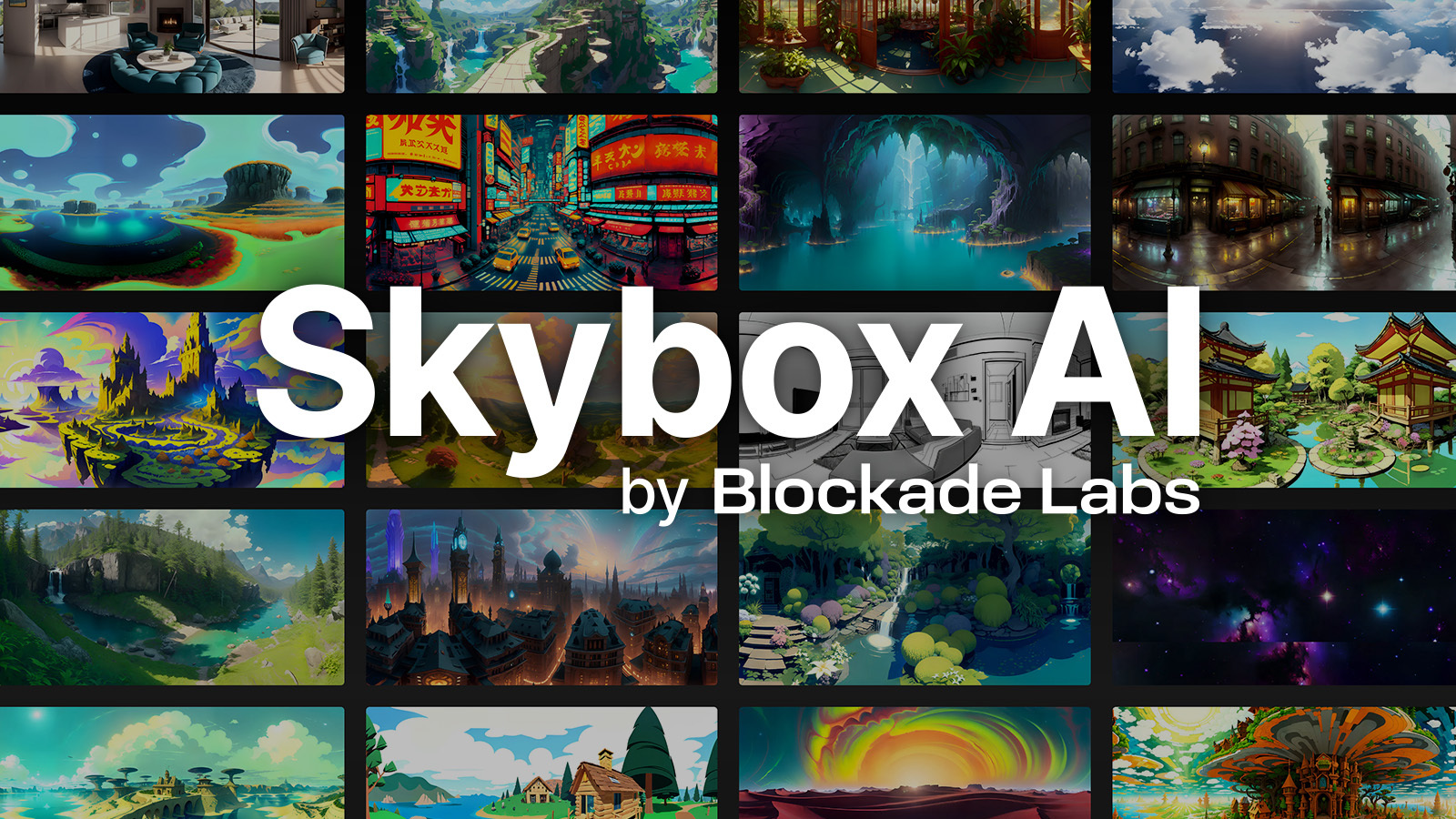
Blockade Labs Skybox AI generates 360-degree environments rather than ordinary rectangular pictures. The primary output is an equirectangular panorama: a 2:1 texture that wraps around a sphere, placing the left and right edges together and stretching the zenith and nadir. The current product supports text-to-skybox creation, preset styles, prompt enhancement, seeds, negative prompts, horizon control, Remix from an existing photosphere or generated skybox, and exports for production pipelines.
This projection changes the quality test. A beautiful flat thumbnail may hide a broken wrap seam behind the viewer, repeated architecture, stretched poles, a tilted horizon or impossible lighting. Likewise, a high pixel count does not create geometry: a normal skybox is distant background, while depth maps and experimental GLB exports estimate parallax and are not collision-ready 3D scenes.
What Skybox AI produces in 2026
| Path | Current documented capability | Boundary to test |
|---|---|---|
| Text to 360 | Prompt, style, negative text, prompt enhancer and seed create an equirectangular environment | Object placement, text, people and exact architectural geometry remain unreliable |
| Model 3 | Established style family, normally 8K generation, one credit, broad Remix controls | Model/version options differ; older examples do not establish current Model 4 behavior |
| Model 4 | Standard or Enhanced variants, horizon shift, seed and soft-lines option; generation is 4K | Official API says Standard costs 3 credits and Enhanced 6; higher cost is not automatic acceptance |
| Remix | Control image preserves structure without colors; init image can influence composition and color | Input should be a cleared 2:1 equirectangular image; other ratios are forced and may warp |
| Exports | PNG/JPG, HDR/EXR, depth, cubemap, social video and plan-dependent 1K–16K options | Model 4 export support differs and currently excludes some cube-map/GLB paths in the API docs |
| 3D Creator | Experimental GLB environment sphere with depth scale and mesh quality | Estimated depth varies by scene; not individual objects, navigation mesh or collision geometry |
The API documentation updated through May 2026 is the best source for model boundaries. Model 2 is deprecated. Model 3 remains the broad, fast path; Model 4 is the newer path with variant-specific cost and latency. The help center sometimes describes “8K standard” generically, but the API makes a crucial distinction: Model 4 generation is 4K, while Model 3 defaults to 8K. Export availability must be queried rather than inferred from a marketing headline.
Sketch-like control is not one universal feature across versions. Current Model 3 API documentation emphasizes Remix from a control image or init image; changelog history notes earlier sketch controls and deprecations. For a production integration, retrieve the current style/model capabilities and do not send legacy parameters because an old tutorial still shows them.
Plans, credits, queue and current pricing
| Plan | Live page reviewed 2026-08-20 | Operational meaning |
|---|---|---|
| Free | 5 starter credits; preview only, no exports | Suitable for interface evaluation, not a deliverable pipeline |
| Essential | $24 monthly or $20/month billed annually; 100 generation credits, 8K exports, limited API | Verify Model 4 credit burn and whether required export types are included |
| Standard | $60 monthly or $48/month billed annually; 300 credits, projects, HDRI, 3D meshes, priority queue | Useful creator tier, but experimental GLB quality still needs runtime QA |
| Business | $140 monthly or $112/month billed annually; 500 credits, usage pricing, full API, 16K and custom rate limits | Confirm overage rates, IP terms, queue limits, support and regional tax in the signed-in quote |
The live plan page says all plans include commercial licensing, yet Free also says preview only with no exports. Treat the commercial statement as permission language, not a promise that every input is cleared or every output qualifies for copyright. Prices, tax, credit allocation and feature access are dynamic; the figures above were checked on 2026-08-20 and should be reconfirmed at checkout.
API capacity is not simply “priority.” Current docs list maximum pending generations of 1 for Free, 3 for Essential, 3 for Standard and 30 for Business, with HTTP 429 when full. Model 4 documentation also describes one simultaneous generation per account and estimates Standard around 60 seconds/3 credits and Enhanced around 120 seconds/6 credits. Build backoff, idempotency, timeout and cancellation around documented states—pending, dispatched, processing, complete, abort or error—and record refunds after timeout rather than assuming them.
Export choice is a pipeline decision
| Deliverable | Use | QA question |
|---|---|---|
| 2:1 JPG/PNG | Web 360 viewers, sky domes, simple engine import | Does the wrap seam disappear at multiple exposure levels? |
| HDR/EXR | Environment lighting and reflections | Does dynamic range drive believable light, or merely place an LDR image in a high-bit-depth container? |
| Cubemap | Six engine-facing textures; Roblox-specific export also documented | Are face orientation, handedness, edge filtering and mipmaps correct? |
| Depth map | Approximate parallax, compositing and mesh conversion | Are foreground/background boundaries plausible at poles and thin structures? |
| GLB mesh | Experimental environment sphere with parallax | Does it survive wireframe inspection, headset motion and device memory budget? |
| Social video | Portrait, landscape or square preview | It is not a full equirectangular video; does it meet the actual publishing need? |
Resolution is not synonymous with detail. A 16K export can upscale hallucinated windows, trees and signs without improving their logic; it also increases download, GPU upload and memory cost. Select the lowest resolution that passes the target headset/display test, then use compression and mipmaps appropriate to the engine. Keep a master export and derive runtime assets from it.
Production workflow: brief to VR acceptance
- Define the camera. State seated/standing VR, first-person, aerial, product backdrop or reflection lighting; specify initial yaw and expected head movement.
- Set spherical constraints. Choose horizon height, ground/sky ratio, sun direction, scale cues, no-go content and whether the nadir will be visible.
- Clear references. Only upload photospheres, sketches, brands and locations that the project may transform and commercialize.
- Prototype cheaply. Use Model 3 or the lower-cost current variant to test composition before spending on enhanced outputs.
- Freeze evidence. Save prompt, negative text, style/model/version, variant, seed, horizon shift, generation ID, credits and account plan.
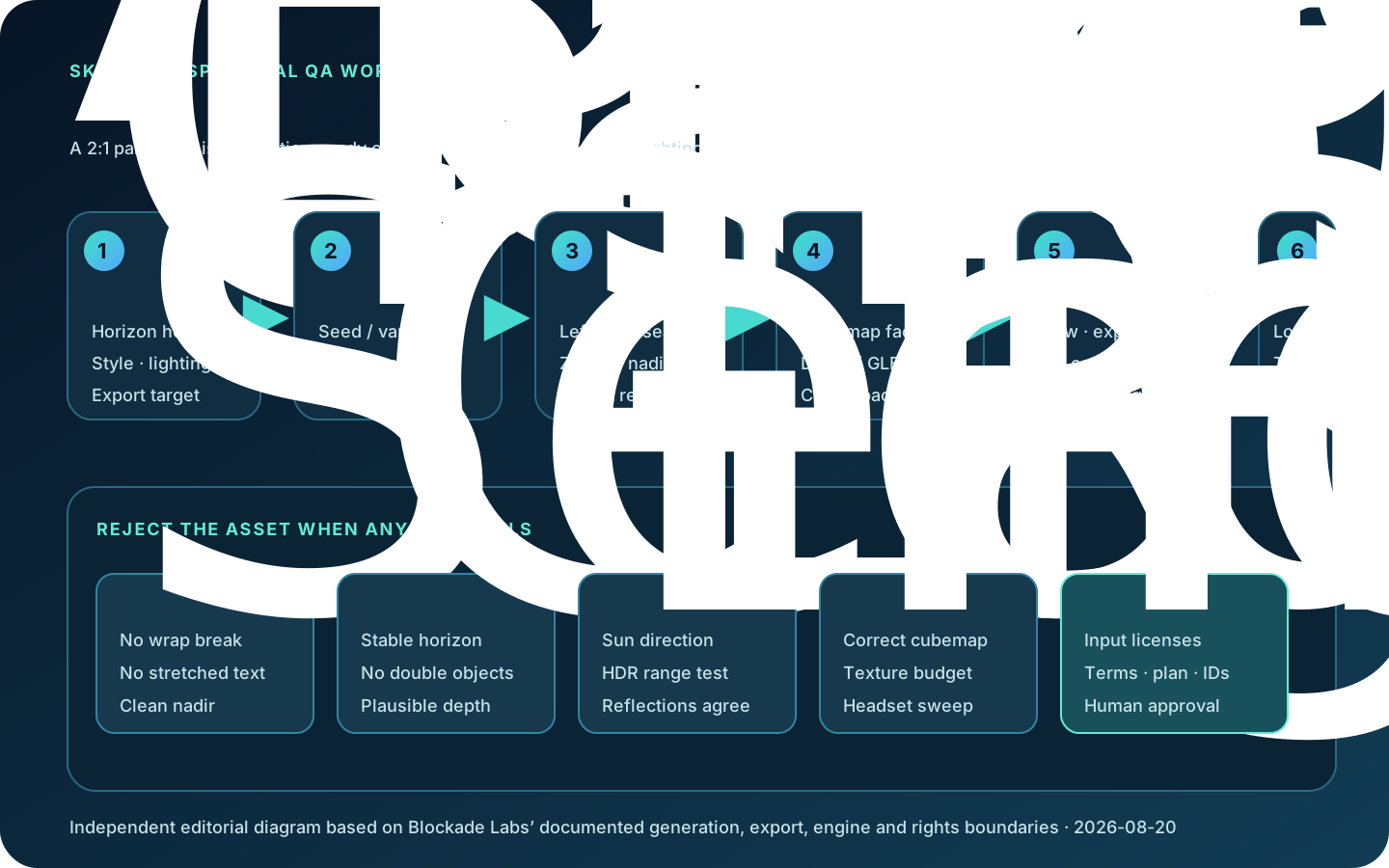
- Inspect wrapped. Rotate a 360 viewer slowly through 0/360 degrees; examine horizon, repeated objects, text, people, zenith and nadir.
- Remix deliberately. Use control image when structure matters without its colors; use init image when color/composition influence is intended. Recheck rights.
- Export for destination. Request equirectangular, HDRI, cubemap, depth or GLB based on the engine—not because the format sounds more advanced.
- Test lighting. Compare reflections, shadow direction, color temperature and exposure against scene lights. An attractive backdrop can still be a poor light probe.
- Test in engine. Verify yaw/orientation, face order, color space, mip seams, pole stretching, VR comfort, texture memory and frame time.
- Run rights review. Search distinctive logos/characters, record input licenses, plan receipt, human edits and required AI disclosure.
- Archive. Keep the master, derived runtime files, QA captures, generation metadata, terms snapshot and owner for future takedown or re-export.
A repeatable acceptance rubric
| Dimension | Test | Reject when |
|---|---|---|
| Spherical continuity | Wrap viewer, seam overlay, pole inspection and slow yaw sweep | Edge discontinuity, duplicated landmark, stretched text or pinched zenith/nadir is visible |
| Geometry | Horizon, verticals, object scale, depth boundaries and parallax | Architecture bends, objects float, horizon splits or GLB depth causes discomfort |
| Visual consistency | Lighting direction, material response, style and density around 360 degrees | Front view is polished but rear hemisphere changes world, weather or art style |
| Runtime | Target engine/device, cubemap order, mipmaps, memory, load and frame time | Only the desktop preview passes; headset/mobile target exceeds budget |
| Rights/privacy | Reference license, logo/character review, visibility and retention assumptions | Input rights or project confidentiality cannot be demonstrated |
| Economics | Total credits, queue time, exports, repair hours and accepted assets | Cost is measured per generation rather than per engine-approved skybox |
Run 20–30 briefs that represent the actual catalog: interiors and exteriors, ground-heavy and sky-heavy views, architecture, foliage, hard horizon lines, low light and stylized scenes. Score blind in the wrapped viewer. Public showcases and Blockade’s speed claims are not independent quality benchmarks, and the Terms restrict disclosure of comparative studies involving the service; organizations planning published benchmarks should obtain legal permission.
Rights and privacy need a preflight
The live plan page promises commercial licensing. The posted Terms, last revised July 27, 2023, say Blockade does not claim ownership of Assets users create and that ownership persists after cancellation, to the extent current law permits. But the same Terms grant Blockade a perpetual worldwide sublicensable license to prompts and Assets, say users have no expectation of privacy in transmission, and place input-rights responsibility on the user. Commercial use therefore does not clear a copyrighted reference, trademarked environment or third-party photosphere.
The Privacy Policy is dated March 17, 2023. It lists text/image prompts, outputs, account, payment, device, usage and geolocation data; it allows service-provider sharing, service improvement and possible visibility of artwork, name and prompt to other users. Retention is described by necessity rather than a fixed upload period. There is also a visible age inconsistency: the current help article says Skybox AI can be used independently from 13, while the posted Terms and Privacy Policy say 18. Treat the signed-in legal flow and any enterprise DPA as authoritative for a real deployment, and obtain written clarification where these pages conflict.
Alternatives: specialization versus control
| Approach | Best fit | Trade-off |
|---|---|---|
| Skybox AI | Fast text/Remix-to-360, export variants and API integration | Specialized convenience, credit/queue dependency and spherical artifacts still require engine QA |
| Stable Diffusion panorama pipeline | Self-hosting, custom models and projection-aware research workflows | More control/privacy, but engineering must solve seams, tiling, VRAM, upscaling and licensing |
| Leonardo | Strong ordinary image ideation, reference guidance, editing and asset exploration | A 2D composition tool is not automatically a seamless equirectangular generator; panorama wrapping needs separate proof |
| Manual engine skybox/HDRI | Exact art direction, licensed photography, physically grounded lighting and deterministic runtime | Slower and more skilled work, but often safer for hero environments and connected locations |
Independent judgment: Skybox AI is most valuable when a team needs many atmospheric, non-interactive distant environments and wants export plumbing already designed around spherical media. It is less compelling when the world must contain exact navigable geometry, connected rooms, readable signage or a physically verified sun/lighting solution. Use generation for breadth, then let a 360 viewer and the target engine—not the gallery thumbnail—decide acceptance. For hero scenes, a hybrid is usually strongest: AI for concept and distant atmosphere, artists for seams, landmarks, lighting and runtime packaging.
FAQ
Is Skybox AI a normal image generator?
No. Its core asset is a 2:1 equirectangular image meant to wrap around a viewer. Ordinary image quality tests miss the wrap seam, poles, horizon and rear hemisphere.
Does 8K or 16K mean the scene is 3D?
No. Pixel resolution does not create geometry. Depth maps and GLB export estimate spatial depth; Blockade labels 3D mesh export experimental and unsuitable for collision geometry.
Which model generates at 8K?
Current API docs say Model 3 defaults to 8K while Model 4 generates at 4K and can export within its supported range. Query export capabilities because format/model rules change.
Can I use Skybox AI commercially?
The current plan page says all plans include commercial licensing, but Free is preview-only. Commercial permission does not clear unauthorized references or guarantee copyright protection. Save the checkout and Terms applying on creation day.
Can I upload any photosphere for Remix?
No. You need rights to upload and transform it. Use a cleared 2:1 equirectangular source; non-2:1 images may be forced into that ratio and warped.
Are HDRI exports physically accurate lighting captures?
Not necessarily. Test luminance range, sun direction, reflections and exposure. A generated image in an HDR/EXR workflow can still have visually or physically inconsistent light.
Can the GLB be used for collisions?
No. Official help calls it an environment sphere for visual parallax, not individual assets, navigation or collision. Inspect topology and test headset comfort.
What is the real cost?
Measure credits, queue time, export operations and repair hours per engine-approved asset. Current consumer plans and Model 4 credit costs were checked 2026-08-20; reconfirm checkout and API docs.
Sources reviewed
- Skybox AI official app
- Current official plans and credits
- Official prompting guide
- Official product introduction
- Workspace and Remix guide
- Developer quick start and stated limitations
- Horizon controls
- Experimental 3D mesh export
- Photosphere Remix workflow
- Skybox generation API
- Export API and formats
- API changelog through May 2026
- Blockade Labs Terms of Service
- Blockade Labs Privacy Policy
- Leonardo official Image Guidance
- CVPR text-to-360 panorama research
- Unity official skybox documentation
- Unreal official cubemap documentation
Independent review: 2026-08-20. Product plans, credits, models, export combinations, queue limits and legal pages can change. The posted Terms and Privacy Policy are dated 2023 and contain an age inconsistency with current help content; verify the signed-in agreement and enterprise terms before deployment.