
Cursor
Built to make you extraordinarily productive, Cursor is the best way to code with AI.
ai-codingfree
3950


Keen Code is an open-source CLI coding agent in Go built for developers who want lean context usage, multi-provider model choice, and skill-driven MCP workflows.
277
Views
0
Likes
Jun 2026
Added
mochow13.github.io
Website
A quick visual look at Keen Code before you visit the official site.
Editorial Review
Keen Code is aimed at people who like agentic coding but dislike bloated context and hard platform lock-in. It stays inside the terminal, keeps tool traces compact, and treats MCP plus skills as first-class extensions.
The project is hot because lightweight coding agents are breaking out beyond the biggest hosted IDEs. Keen Code's Product Hunt launch and transparent design rationale make it stand out in a crowded coding-agent wave.
Open-source developers like the explicit design trail and the argument for context efficiency over raw feature sprawl. The main caution is maturity: small fast-moving agents still need to prove reliability, permission safety, and repo-scale behavior.
Keen Code still depends on the quality of the connected models, the surrounding permissions, and how carefully users supervise edits. Smaller open-source agent projects can move fast, but they can also expose rough edges more directly.
Alternatives include Codex CLI-style workflows, Claude Code, Aider, Cline, OpenHands, and more opinionated hosted coding environments such as Cursor.
Visit the official website to get started
Have an AI tool to share?
Get your product in front of people actively exploring AI tools.
Submit Your ToolBuilt to make you extraordinarily productive, Cursor is the best way to code with AI.
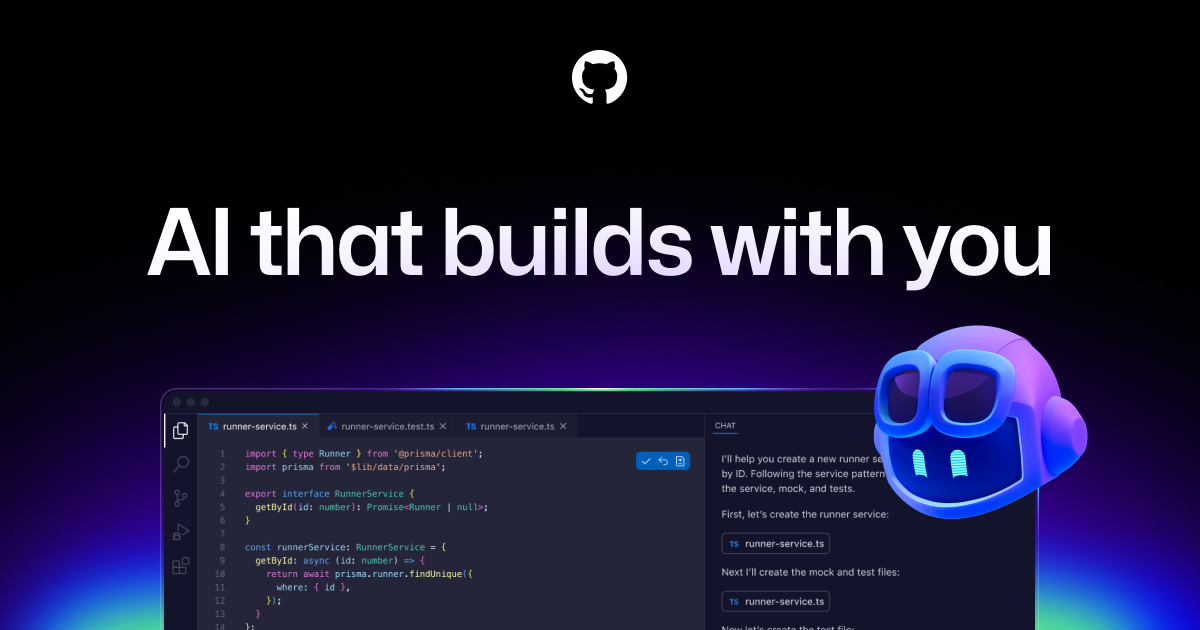
GitHub Copilot is GitHub’s AI coding assistant across IDEs, GitHub.com, pull requests, CLI workflows, code review, and agentic development. It is best for developers and teams that want AI help inside existing repositories while keeping review, tests, and governance in the workflow.

Trae is your helpful coding partner. It offers features like AI Q&A, code auto-completion, and agent-based AI programming capabilities.

MarsCode is an AI coding assistant and IDE-style development tool for code completion, explanation, debugging, and code generation. Current official metadata also points to Trae AI IDE, so the page should explain the product carefully instead of treating it as a static legacy listing.