GitHub Copilot
GitHub Copilot

GitHub Copilot

GitHub Copilot is GitHub’s AI coding assistant across IDEs, GitHub.com, pull requests, CLI workflows, code review, and agentic development. It is best for developers and teams that want AI help inside existing repositories while keeping review, tests, and governance in the workflow.

169

Views

0

Likes

Jan 2026

Added

github.com

Website

Tags

GitHub CopilotAI coding assistantCopilot Chatcoding agentcode review AIpull request summariesdeveloper productivityMCP

Product Preview

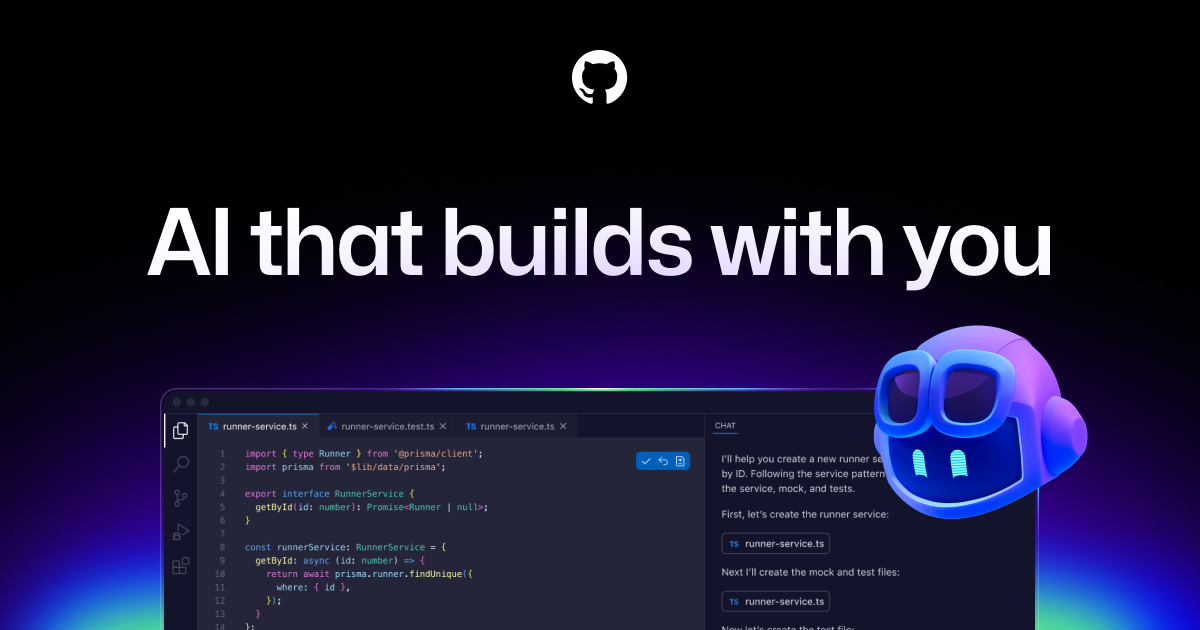
A quick visual look at GitHub Copilot before you visit the official site.

Published 1/21/2026
GitHub Copilot screenshot

Editorial Review

About GitHub Copilot

What it is

GitHub Copilot is GitHub’s AI assistant for software development. GitHub documentation covers code suggestions, chat, code review, pull request summaries, CLI workflows, Copilot cloud agent, custom agents, MCP integrations, Spaces, enterprise governance, usage metrics, and responsible-use guidance. In practice, Copilot has moved from autocomplete into a broader developer workflow assistant.

Best fit and search intent

Copilot is strongest for developers already working in GitHub-connected repositories, IDEs, pull requests, and command-line workflows. It helps with repetitive implementation, unfamiliar codebases, tests, refactors, docs, and review preparation. It is not a substitute for maintainers, product judgment, security review, or CI.

Key features

  • IDE code suggestions and chat for implementation, explanation, tests, and refactoring.
  • GitHub.com support for issues, pull requests, summaries, and repository context.
  • Copilot code review and review assistance for pull requests.
  • CLI and agent workflows for delegated coding tasks and repository operations.
  • Cloud agent, custom agents, MCP integrations, Spaces, memory, and organization controls in supported plans.
  • Enterprise governance around policies, content exclusion, usage, spending, and access.

Use cases

  • Generate first-pass code for well-scoped functions, tests, and docs.
  • Explore an unfamiliar repository by asking about architecture, files, and dependencies.
  • Refactor legacy code with tests and reviewable diffs.
  • Draft pull request summaries, review comments, and migration notes.
  • Use agent sessions for bounded implementation tasks while engineers review output.

Recommended workflow

  • Give Copilot narrow tasks with repository context, acceptance criteria, and test expectations.
  • Review every generated diff; do not merge AI code without tests and human judgment.
  • Use custom instructions to encode project conventions, security rules, and style preferences.
  • For organizations, configure policies, content exclusion, model access, spending controls, and audit processes.
  • Measure value by cycle time, test coverage, review quality, and defect rate rather than lines generated.

Strengths and limitations

  • Strength: deeply embedded where developers already work.
  • Strength: useful across coding, review, documentation, tests, and repository navigation.
  • Limitation: suggestions can be wrong, stale, insecure, or mismatched to local conventions.
  • Limitation: agentic workflows need tight scope, permissions, and review gates.
  • Limitation: cost and premium request behavior should be monitored at team scale.

Alternatives to compare

  • Cursor: strong AI-first editor experience.
  • Windsurf: agentic IDE workflow with integrated planning and editing.
  • Codeium, Qodo, or Tabnine: alternatives for completion, chat, tests, or enterprise controls.
  • OpenAI Codex or Codex CLI: useful for repository-level coding agents outside a traditional IDE.

FAQ

Is GitHub Copilot only autocomplete?

No. GitHub documentation covers chat, review, PR work, CLI workflows, cloud agent, custom agents, MCP, Spaces, and governance.

Can Copilot review code?

Yes. GitHub documents Copilot code review and related review workflows, but human maintainers should still make final decisions.

Is Copilot safe for enterprise use?

It can be configured for enterprise workflows, but organizations should manage access, policies, content exclusion, spend, audit, and review standards.

Sources reviewed

Ready to try GitHub Copilot?

Visit the official website to get started

Visit GitHub Copilot

Quick Info

Added
1/21/2026
Published
1/21/2026
Updated
6/8/2026

Share This Tool

Have an AI tool to share?

Submit it to AI Dreamhub

Get your product in front of people actively exploring AI tools.

Submit Your Tool
Cursor

Cursor

Built to make you extraordinarily productive, Cursor is the best way to code with AI.

ai-codingfree
1600
Trae

Trae

Trae is your helpful coding partner. It offers features like AI Q&A, code auto-completion, and agent-based AI programming capabilities.

ai-codingfree
1920
MarsCode

MarsCode

MarsCode is an AI coding assistant and IDE-style development tool for code completion, explanation, debugging, and code generation. Current official metadata also points to Trae AI IDE, so the page should explain the product carefully instead of treating it as a static legacy listing.

MarsCodeTrae AI IDEAI coding assistant
2390
Amazon CodeWhisperer

Amazon CodeWhisperer

A code writing assistant developed by Amazon

ai-codingfree
1490