
Cursor
Cursor

Cursor

Cursor is an AI code editor built for codebase-aware chat, agentic edits, rules, MCP integrations, CLI workflows, and daily software development with AI.

162

Views

0

Likes

Mar 2026

Added

cursor.com

Website

Tags

CursorAI code editorAI coding agentAgent modeRulesMCPCLIcodebase context

Product Preview

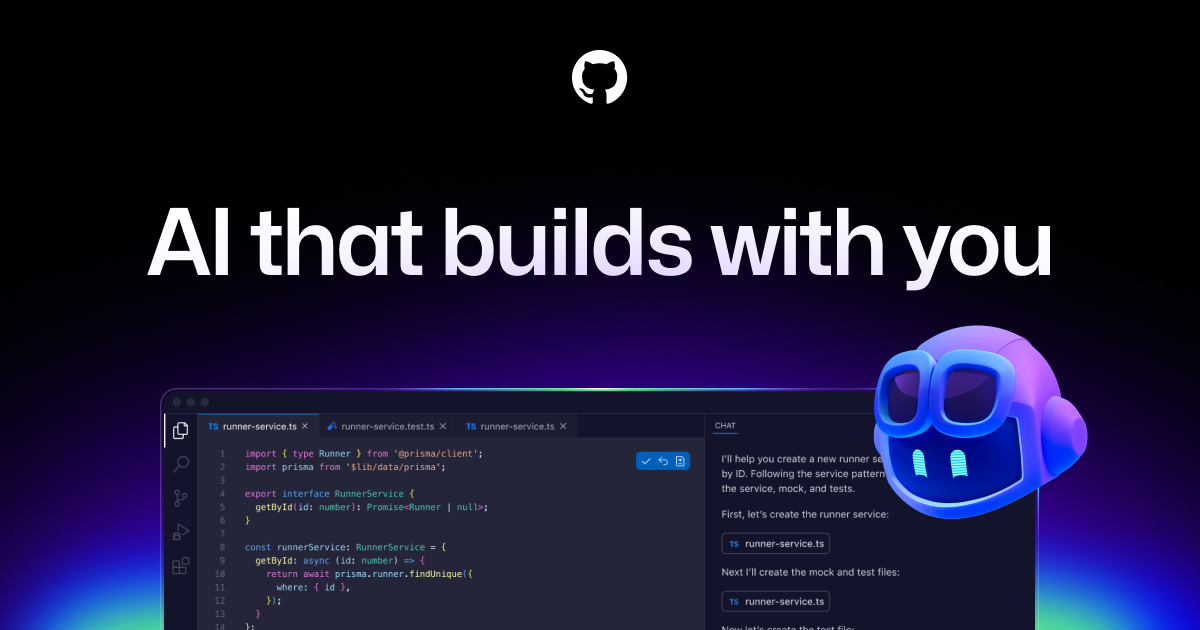
A quick visual look at Cursor before you visit the official site.

Published 3/18/2026
Cursor screenshot

Editorial Review

About Cursor

Overview

Cursor is an AI-powered code editor from Anysphere, positioned as “the best way to code with AI.” Official docs describe Agent mode, Rules, MCP servers, Skills, CLI, models, and Teams/Enterprise setup, so the current page should frame Cursor as a full AI coding environment rather than a simple VS Code fork with autocomplete.

Best fit

Cursor fits developers and teams comparing AI IDEs for real repository work. Search intent usually includes Cursor AI code editor, Cursor Agent, Cursor Composer, Cursor vs Copilot, Cursor vs Windsurf, Cursor MCP, and Cursor pricing.

Key features

  • Codebase-aware AI chat and editing inside the editor.
  • Agent workflows that can read and modify multiple files, run commands, and handle larger implementation tasks with review.
  • Rules and project context controls that help steer how AI works in a repository.
  • MCP, CLI, model selection, and team/enterprise documentation for more advanced setups.
  • Fast tab/completion and multi-file editing patterns that reduce copy-paste between editor and chatbot.

Real use cases

  • Implement a feature across several files while reviewing each diff.
  • Ask questions about an unfamiliar repository and get navigation help inside the editor.
  • Refactor repeated patterns, add tests, or update API usage with project context.
  • Use Rules to encode team conventions before asking an agent to modify code.
  • Compare Cursor with GitHub Copilot, Windsurf, Claude Code, and Codex for daily coding.

Recommended workflow

  • Open a real repository and define project rules before asking for broad changes.
  • Use focused prompts with expected behavior, files, and test commands.
  • Review diffs file by file; do not blindly accept agent edits.
  • Run tests, type checks, linting, and security review after non-trivial changes.
  • For teams, configure privacy, indexing, model, and enterprise settings before broad adoption.

Strengths and limitations

  • Excellent for codebase-aware AI editing and daily developer workflows.
  • Agentic edits can still break hidden assumptions or make locally correct but globally wrong changes.
  • Large repositories require careful context management, rules, tests, and review.
  • Pricing, models, enterprise controls, and product UI evolve quickly, so current docs should be checked before procurement.

Alternatives

  • GitHub Copilot for GitHub-native enterprise adoption and editor plugins.
  • Windsurf for an alternative agentic IDE with Cascade.
  • Claude Code or Codex for terminal/repository agent workflows.
  • Sourcegraph Cody for codebase search and enterprise code intelligence.
  • Aider for command-line AI pair programming.

Media and examples

Cursor product screenshot or official preview
The screenshot uses Cursor’s official Open Graph product image uploaded through multipart to avoid source hotlink restrictions.

FAQ

What is Cursor used for?

Cursor is used for AI-assisted software development: codebase chat, multi-file edits, refactoring, test generation, debugging, and agentic implementation work inside an AI-focused editor.

Is Cursor just VS Code with AI?

It started with a VS Code-like editor experience, but the current product is better described as an AI coding environment with Agent, Rules, MCP, CLI, model settings, and team features.

Can Cursor replace code review?

No. Cursor can speed up implementation, but developers still need tests, diff review, security checks, and architecture judgment before merging code.

Sources reviewed

Ready to try Cursor?

Visit the official website to get started

Visit Cursor

Quick Info

Added
3/12/2026
Published
3/18/2026
Updated
6/12/2026

Share This Tool

Have an AI tool to share?

Submit it to AI Dreamhub

Get your product in front of people actively exploring AI tools.

Submit Your Tool
Cursor

Cursor

Built to make you extraordinarily productive, Cursor is the best way to code with AI.
ai-codingfree
1730
GitHub Copilot

GitHub Copilot

GitHub Copilot is GitHub’s AI coding assistant across IDEs, GitHub.com, pull requests, CLI workflows, code review, and agentic development. It is best for developers and teams that want AI help inside existing repositories while keeping review, tests, and governance in the workflow.

GitHub CopilotAI coding assistantCopilot Chat
1780
Trae

Trae

Trae is your helpful coding partner. It offers features like AI Q&A, code auto-completion, and agent-based AI programming capabilities.

ai-codingfree
2060
MarsCode

MarsCode

MarsCode is an AI coding assistant and IDE-style development tool for code completion, explanation, debugging, and code generation. Current official metadata also points to Trae AI IDE, so the page should explain the product carefully instead of treating it as a static legacy listing.

MarsCodeTrae AI IDEAI coding assistant
2670