Codeium
Codeium

Codeium

Codeium is best understood today through Windsurf: an AI coding assistant and AI-native IDE with Cascade, code completion, plugins, and enterprise developer workflows.

198

Views

0

Likes

Jan 2026

Added

windsurf.com

Website

Tags

CodeiumWindsurfAI coding assistantAI IDECascadecode completiondeveloper tools

Product Preview

A quick visual look at Codeium before you visit the official site.

Published 1/21/2026
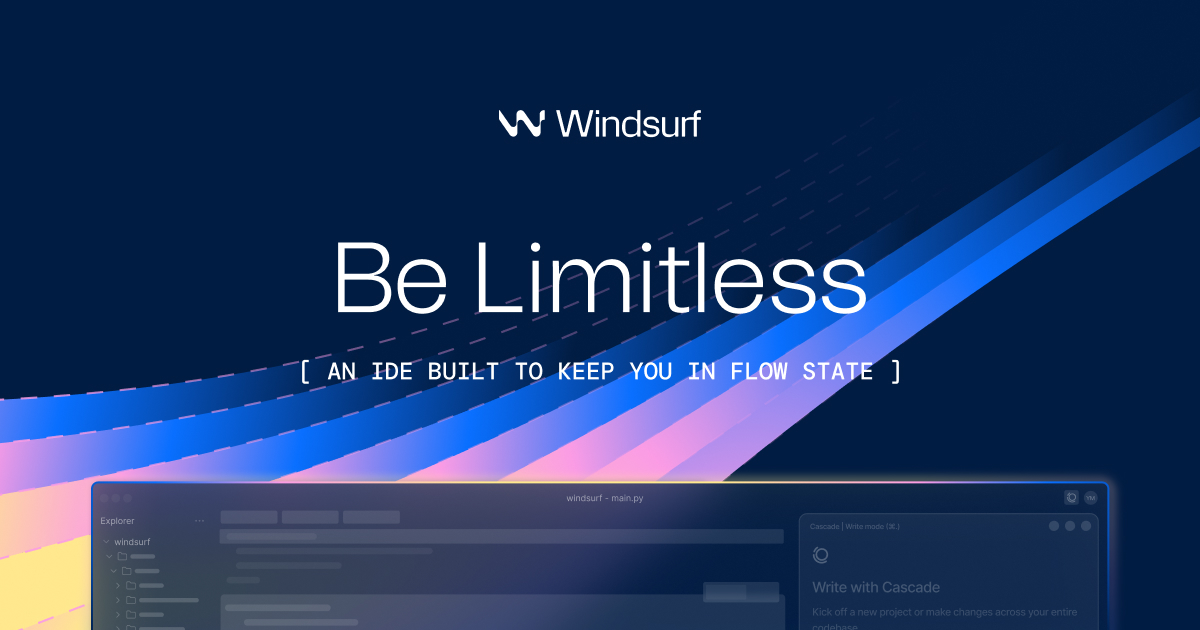
Codeium screenshot

Editorial Review

About Codeium

Overview

The old Codeium listing should be calibrated to the current Windsurf ecosystem. Official docs describe Windsurf Plugins as the successor path for Codeium-style IDE assistance, while the Windsurf website positions the product around an AI-native editor, Cascade, codebase understanding, advanced tools, and local/cloud agent workflows.

Best fit

It fits developers comparing AI coding assistants, especially people searching for “Codeium,” “Windsurf,” “Codeium alternative,” or “Windsurf AI IDE.” The page should preserve Codeium as the historical entity but send users to the current Windsurf product experience.

Key features

  • Windsurf Editor for an AI-native development environment built around codebase context.
  • Cascade coding agent for multi-step edits, debugging, planning, and repo-aware collaboration.
  • Windsurf Plugins for JetBrains, VS Code, Visual Studio, Vim, Neovim, Jupyter, Chrome, and other editor workflows.
  • Code completion, chat, model access, prompt/credit usage, and team/enterprise controls depending on plan.
  • Docs explicitly refer to Windsurf Plugins formerly associated with Codeium, so the naming transition matters for SEO accuracy.

Real use cases

  • Use completions and chat for day-to-day implementation in an existing IDE.
  • Use Cascade inside Windsurf Editor to plan and edit across multiple files.
  • Compare Windsurf against Cursor, GitHub Copilot, Cody, Qodo, or Codex for large-codebase work.
  • Adopt plugins for teams that cannot switch editors immediately.
  • Evaluate enterprise controls, self-hosting paths, ignore rules, and privacy requirements before broad rollout.

Recommended workflow

  • Treat Codeium searches as Windsurf searches and verify the current product name in official docs.
  • Choose Windsurf Editor for the strongest agentic experience or plugins for existing IDE workflows.
  • Start with a non-critical repository and review every file change before committing.
  • Use tests, type checks, code review, and security review after accepting generated edits.
  • Configure ignore rules and enterprise policies before sending proprietary repositories to an AI assistant.

Strengths and limitations

  • Strong fit for AI-native coding, repo-aware edits, and teams comparing agentic IDEs.
  • The Codeium-to-Windsurf naming transition can confuse users and old content, so the page must explain it clearly.
  • Agentic edits can be wrong, incomplete, or overconfident; review and tests are mandatory.
  • Feature access, models, credits, and plugin capability vary by editor, plan, and rollout.

Alternatives

  • Cursor for AI-first editing and Composer workflows.
  • GitHub Copilot for GitHub-native enterprise adoption.
  • Claude Code or Codex for terminal/repository agent workflows.
  • OpenHands for open-source software agents.
  • Sourcegraph Cody or Qodo for codebase assistance and review-focused workflows.

Media and examples

Codeium product preview or official media
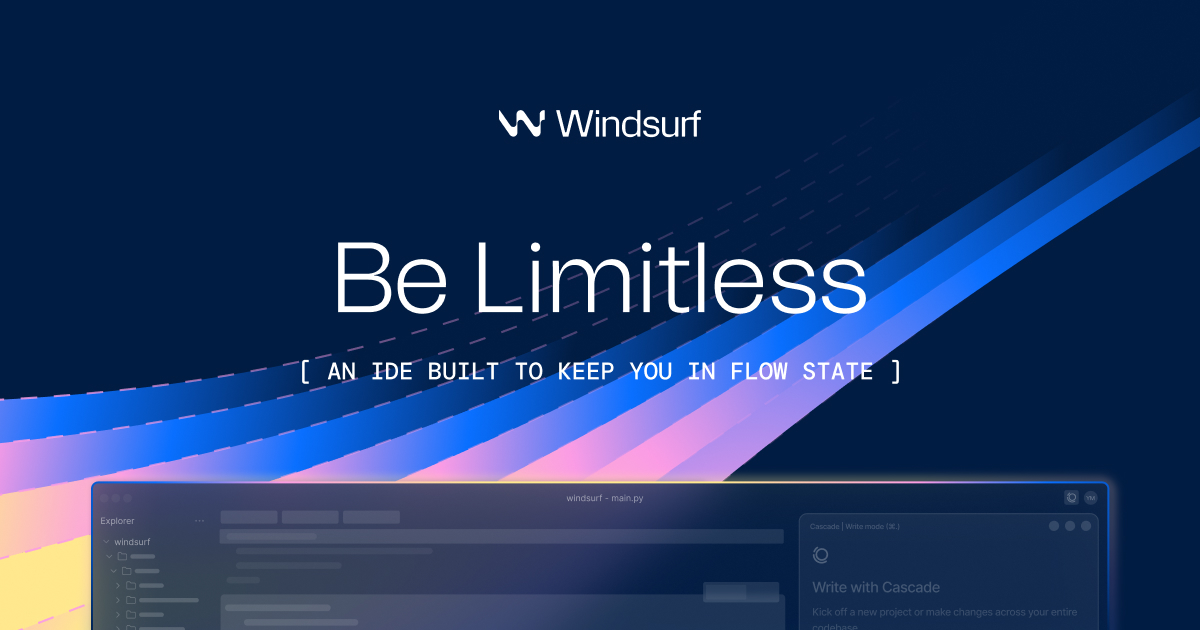
Official Windsurf homepage preview media is used because Codeium now maps to the Windsurf product and documentation ecosystem.

FAQ

Is Codeium now Windsurf?

For practical product research, yes: official Windsurf docs refer to Windsurf Plugins formerly associated with Codeium, and the old Codeium listing should point users to the current Windsurf ecosystem.

What is Cascade?

Cascade is Windsurf’s coding agent experience for repo-aware planning, multi-file edits, debugging help, and tool-assisted coding inside the Windsurf environment.

Should developers use Windsurf Editor or plugins?

Use Windsurf Editor for the deepest agentic workflow. Use plugins when your team must stay in JetBrains, VS Code, Vim, Neovim, Visual Studio, Jupyter, or other supported editors.

Sources reviewed

Ready to try Codeium?

Visit the official website to get started

Visit Codeium

Quick Info

Added
1/21/2026
Published
1/21/2026
Updated
6/9/2026

Share This Tool

Have an AI tool to share?

Submit it to AI Dreamhub

Get your product in front of people actively exploring AI tools.

Submit Your Tool
Cursor

Cursor

Built to make you extraordinarily productive, Cursor is the best way to code with AI.
ai-codingfree
1610
GitHub Copilot

GitHub Copilot

GitHub Copilot is GitHub’s AI coding assistant across IDEs, GitHub.com, pull requests, CLI workflows, code review, and agentic development. It is best for developers and teams that want AI help inside existing repositories while keeping review, tests, and governance in the workflow.

GitHub CopilotAI coding assistantCopilot Chat
1710
Trae

Trae

Trae is your helpful coding partner. It offers features like AI Q&A, code auto-completion, and agent-based AI programming capabilities.

ai-codingfree
1950
MarsCode

MarsCode

MarsCode is an AI coding assistant and IDE-style development tool for code completion, explanation, debugging, and code generation. Current official metadata also points to Trae AI IDE, so the page should explain the product carefully instead of treating it as a static legacy listing.

MarsCodeTrae AI IDEAI coding assistant
2400