
CapCut is a cross-platform video editor for mobile, Windows, macOS and the web. It combines a multi-track timeline with templates, effects, stock materials, auto captions, transcript and audio tools, Auto Cut, background removal, reframing, text-to-speech and generative features. The product is closely associated with short-form social video and integrates conveniently with TikTok, but CapCut is its own editing service with separate accounts, plans, cloud storage, terms and material licenses.
CapCut's real advantage is time to a competent social cut. A creator can move from phone footage to a captioned vertical video faster than in many traditional editors. The trade-off is that convenience hides several release decisions: a free-looking effect may be Pro at export, a template or music track may be personal-use only, AI captions may alter meaning, cloud sync changes the data boundary, and a TikTok-ready preset does not prove that a video is cleared for every other platform.
What CapCut is—and what TikTok is not
CapCut and TikTok sit in the same broader corporate ecosystem, and CapCut makes publishing to TikTok easy. That relationship should not collapse the two products into one. CapCut edits and stores projects; TikTok distributes posts and applies a separate recommendation, moderation, music and advertising environment. A track or template available in CapCut does not automatically have identical rights on TikTok, Instagram, YouTube, a paid ad or a client's site. Likewise, a TikTok account decision does not define every CapCut plan or cloud permission.
| Surface | Best use | Important difference |
|---|---|---|
| Mobile | Capture-to-post edits, Auto Cut, quick captions and templates | Fastest workflow; smaller-screen precision and some import/management limits |
| Desktop | Longer timelines, detailed keyframes, audio, color and high-resolution exports | Stronger editing; some billing/team governance still moves to another surface |
| Web | Browser editing, cloud projects, review and team administration | Upload/privacy dependency; some mobile/desktop functions such as Auto Cut may differ |
| TikTok | Distribution, discovery, engagement and platform-native publishing | Separate rules, analytics and music environment; not a project archive |
| Pippit | Commercial content workflows referenced in CapCut terms | Related offering with distinct product and licensing context |
Feature map with release controls
| Capability | Useful for | What a human must verify |
|---|---|---|
| Auto Captions | Fast subtitles across web, desktop and mobile | Names, numbers, negation, timing, speaker changes, reading speed and safe area |
| Auto Cut | Beat- or speech-aware first assembly on mobile/desktop | Story logic, missing context, awkward cuts and region availability |
| Script to Video / AI Writer | Draft scripts, voiceover, stock-led rough videos | Facts, originality, synthetic voice disclosure, visual relevance and repetition |
| Background removal / reframe | Vertical variants and subject isolation | Hair/edge artifacts, crop, logos, captions and subject continuity |
| Templates and effects | Fast pacing and recognizable social formats | Commercial label, license term, territory, originality and Pro status |
| Cloud and Teams | Shared projects, brand kit, comments and cross-device work | Roles, deletion, storage quota, client separation and sensitive footage |
| 2K/4K export | Higher-resolution masters on supported hardware/platforms | Source resolution, bitrate, frame rate, Pro locks, watermark and a full rendered playback |
A production workflow that survives export
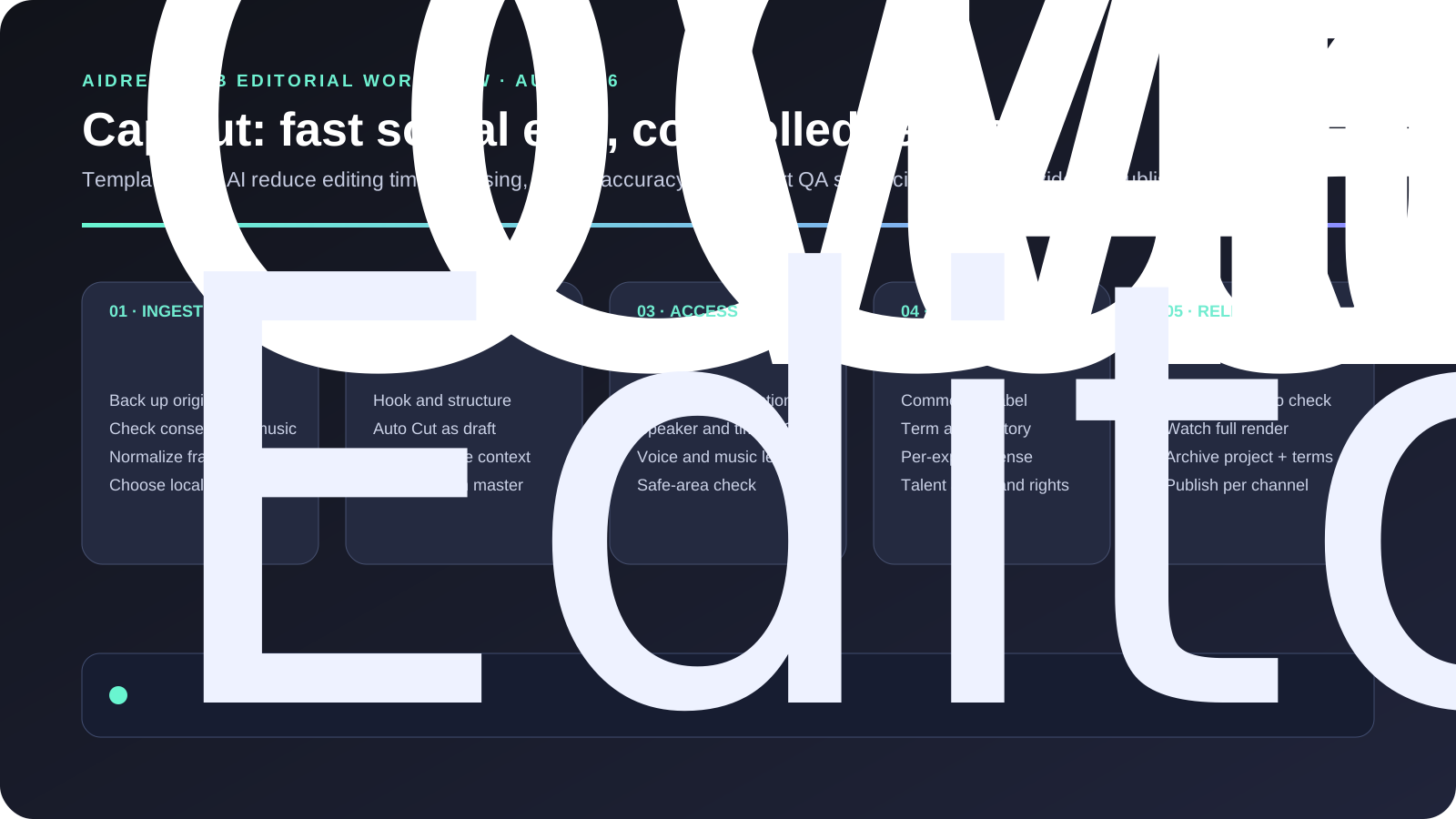
- Ingest a clean master. Back up camera files, verify consent, strip location metadata where necessary, and choose whether footage may enter CapCut Cloud.
- Define channel versions. Set 9:16, 1:1 or 16:9, safe areas, duration, hook and call to action before applying templates.
- Build the story manually first. Auto Cut can propose rhythm, but an editor decides context, claims and whether the cut misrepresents a speaker.
- Generate and correct captions. Listen while reading every line. Check names, figures, negation, timing and line breaks; do not accept confidence by appearance.
- Audit each borrowed material. Record whether a template, font, effect, clip or music item is Non-commercial or marked Commercial Use/Dual Use, plus term, territory and export.
- Freeze brand elements. Use approved logo files, colors and type. Do not let a template or AI image invent a brand mark.
- Run a pre-export scan. Remove accidental Pro elements or subscribe knowingly; select resolution, codec, bitrate and frame rate from destination requirements.
- Watch the exported file. Inspect first/last frame, captions, audio peaks, sync, black frames, crop, watermark and compression. Archive the project, clean master, license evidence and published file.
Free, Pro, Teams and export surprises
CapCut offers free editing, but Pro availability and price vary by region, platform and promotion. Official help describes monthly and annual Pro plans, 100 GB personal cloud storage for Pro, and credit-based access for some AI/premium operations. Teams adds Pro benefits, shared storage, brand assets and role-based collaboration; current help describes 1,000 GB team space, while seat and purchase administration can differ by web, desktop and mobile. Use the signed-in purchase page as the price authority rather than an old review.
| Decision | Free / Standard reality | Paid reason | Check before purchase |
|---|---|---|---|
| Export | Basic editing/export may work, but a Pro asset or setting can trigger an upgrade or watermark | Remove watermark/locks on qualifying premium projects | Open an actual project and test the final export dialog |
| Resolution | 2K/4K depends on device, OS, platform and current limits | Pro is described as unrestricted 4K where supported | Source resolution, hardware encode, bitrate and frame rate |
| AI | Some features are free, limited, regional or credit-based | Included credits and premium models/tools | Credit consumption, renewal and fallback after exhaustion |
| Cloud | Small projects/collaboration may be possible | Pro 100 GB; Teams shared capacity and governance | Retention, deletion, transfer, roles and client isolation |
| Teams | New free spaces may be limited to owner plus one collaborator | More seats, brand kit and shared assets | Which surface manages billing, roles and invitations |
Templates, music and commercial-use risk
CapCut's January 2026 Materials License Agreement distinguishes Non-commercial Use Materials from Dual Use Materials marked for limited commercial use. The license can be limited by term and territory, is non-transferable and non-sublicensable, and is granted per exported content. The agreement says Platform Material is edited on the platform; after export it may only be displayed as part of the content without further modification under that license. Re-editing an exported piece that contains a paid material can require another material payment.
This makes “I pay for Pro” an incomplete rights test. Save the material's label, term, territory and project/export record at the time of use. Music requires separate attention because sound-recording and composition rights may not be granted by the general platform license. For paid ads, broadcast, client handoff or long-running evergreen content, owned music and assets with explicit broad licenses are safer than a trending template whose rights can expire or vary by region.
Privacy, AI and team risk
CapCut's US privacy policy covers mobile, desktop, web, Pippit and Cloud Space and describes collection of account, device, usage, uploaded and payment-related information. A local desktop edit is not automatically cloud-private if the user signs in, syncs, invokes a cloud AI feature or shares a space. Separate raw footage by client, grant least-privilege roles, remove expired collaborators and define who can delete or export shared assets.
Terms and legal entity can also depend on region. Current US materials name TikTok USDS Joint Venture LLC and service relationships; global users may see other contracting entities. This is one reason to save the current regional terms instead of describing every CapCut user simply as “on TikTok” or “with ByteDance.” AI-generated scripts, voices, images and captions must be reviewed for accuracy, consent, disclosure, impersonation and brand safety.
Alternatives by job
| Option | Choose it when | Compared with CapCut |
|---|---|---|
| CapCut | Short-form speed, captions, trends and phone-to-desktop continuity dominate | Fastest social workflow; licensing and paid-feature changes need active control |
| Adobe Premiere Rush | Simple cross-device edits inside an Adobe workflow | Cleaner ecosystem handoff, fewer trend/template and AI options |
| Canva Video | Brand templates, presentations and social design matter more than timeline depth | Stronger design collaboration; less precise video/audio editing |
| Descript | Interviews, podcasts, transcript-first editing and speaker workflows dominate | Better text-based narrative editing; weaker trend/template ecosystem |
| DaVinci Resolve | Color, audio, finishing, long-form and durable project control matter | Much deeper professional pipeline; steeper learning and slower social start |
| Final Cut Pro / Premiere Pro | Complex timelines, plugins, handoff and professional finishing are required | Higher control and ecosystem depth; more cost and training |
Independent editorial judgment: choose CapCut when the format is known and speed is the bottleneck. Do not choose it merely because a template looks finished. For client, advertising or confidential production, the decisive questions are whether every material remains licensed, whether the export is clean, whether cloud processing is acceptable and whether another editor can reopen the project without relying on a changing premium catalog.
FAQ
Is CapCut owned by TikTok?
CapCut and TikTok are related within a broader corporate ecosystem, but they are separate products with distinct editing, storage, distribution and legal contexts. Current US CapCut documents name TikTok USDS Joint Venture LLC; contracting entities can differ by region.
Is CapCut free without a watermark?
Many free projects can export cleanly, but Pro materials, advanced settings, templates or current platform rules can trigger an upgrade or watermark. Test the exact project before deadline rather than relying on a generic “free” claim.
Can CapCut be used commercially?
Your own footage can be edited for commercial work, subject to the terms, but CapCut-provided materials have separate labels. Use only materials explicitly marked for the needed commercial use and preserve term, territory and export evidence.
Does CapCut Pro make every template commercially safe?
No. Subscription access and commercial permission are different. The Materials License distinguishes non-commercial and Dual Use materials, and licenses may be limited by territory, term and per-export conditions.
Are auto captions accurate enough to publish?
They are a strong first pass, not final copy. Review while listening and correct names, numbers, negation, timing, speaker changes and line breaks. A single wrong “not” can reverse a claim.
Does CapCut upload desktop footage?
Not every local edit is automatically uploaded, but signing in, cloud sync, shared spaces and cloud/AI functions can transmit content. Map the specific workflow and review regional privacy terms before using confidential footage.
Why does CapCut request Pro at export?
The project may include a Pro-tagged resource or setting such as a premium effect, template, 4K/60 fps option or watermark-removal condition. Replace the item or subscribe knowingly, then run a full export test.
What is the best CapCut alternative?
Use Descript for transcript-led programs, Canva for brand-layout workflows, Resolve for color/audio/long-form, or Premiere/Final Cut for professional timelines. CapCut remains strongest for rapid social-first production.
Sources reviewed
- CapCut Desktop official product page
- Official Auto Captions platform guide
- Official Auto Cut availability guide
- Official CapCut Pro overview
- Official Pro pricing guidance
- Official 2K/4K export guide
- Official Pro-at-export explanation
- Official collaboration changes
- CapCut Materials License Agreement
- CapCut Terms of Service
- CapCut Privacy Policy
- CapCut Trust Center
- TechRadar 2026 video editor testing
- CapCut icon media provenance
Last independently reviewed August 20, 2026. Plans, AI credits, regional features and material licenses change; verify the signed-in purchase page and the license attached to each material before release.