
Cursor
Built to make you extraordinarily productive, Cursor is the best way to code with AI.
ai-codingfree
3640
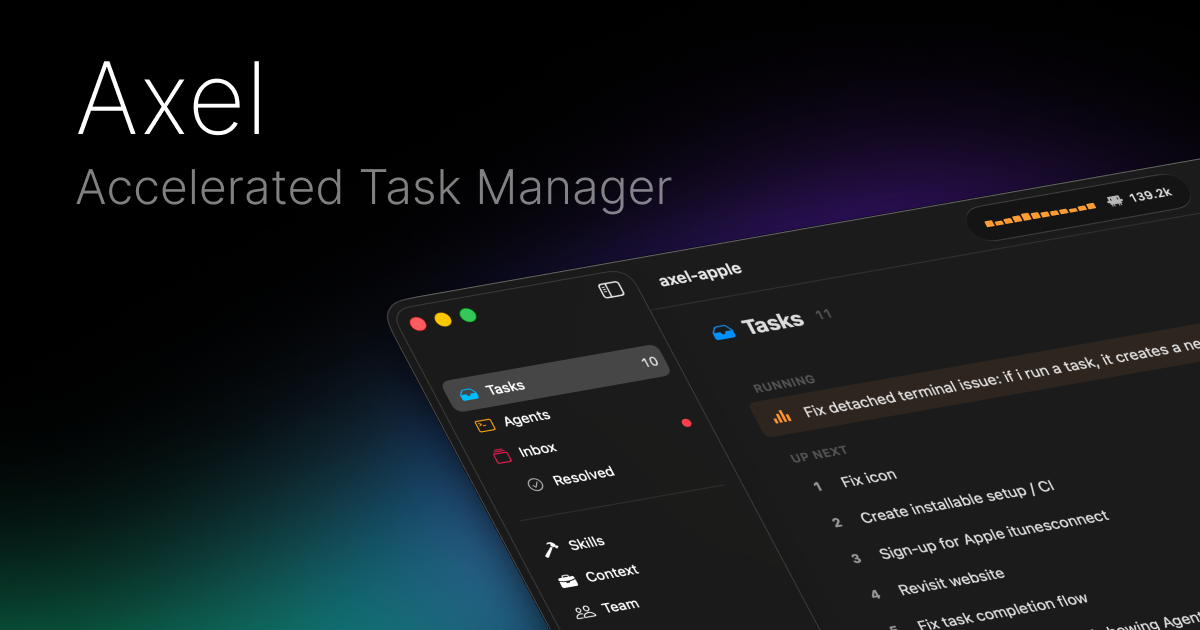
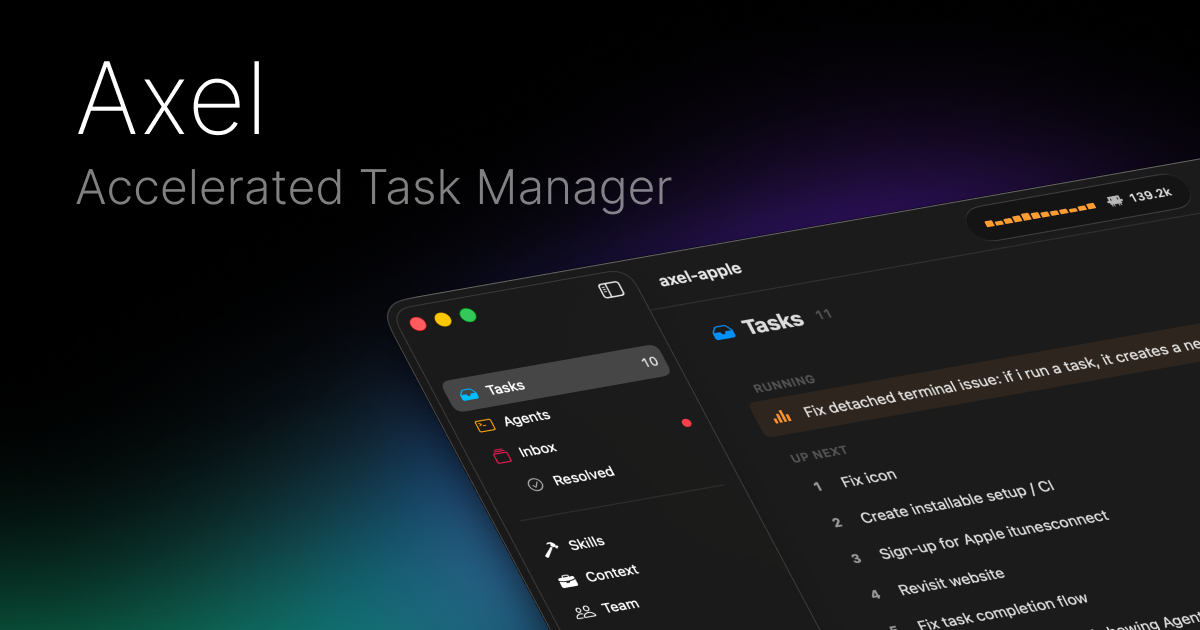
Axel is a native macOS task manager for AI coding agents, letting developers queue work, dispatch tasks to Claude, Codex, OpenCode, or Antigravity, and approve actions from one inbox.
182
Views
0
Likes
May 2026
Added
axel.build
Website
A quick visual look at Axel before you visit the official site.
Editorial Review
Axel is notable because it treats agent management like task management: the bottleneck is no longer one prompt, but dispatching, prioritizing, approving, and monitoring many agents.
Best for developers running multiple coding agents in parallel who need a calm Mac interface instead of scattered terminals and browser tabs.
Axel is a native macOS task manager for AI coding agents, letting developers queue work, dispatch tasks to Claude, Codex, OpenCode, or Antigravity, and approve actions from one inbox.
Best for developers running multiple coding agents in parallel who need a calm Mac interface instead of scattered terminals and browser tabs.
Parallel agents can create conflicting changes if work is not scoped carefully. A manager UI does not replace test automation or code review. macOS-first positioning may limit team-wide adoption in mixed OS environments.
Visit the official website to get started
Have an AI tool to share?
Get your product in front of people actively exploring AI tools.
Submit Your ToolBuilt to make you extraordinarily productive, Cursor is the best way to code with AI.
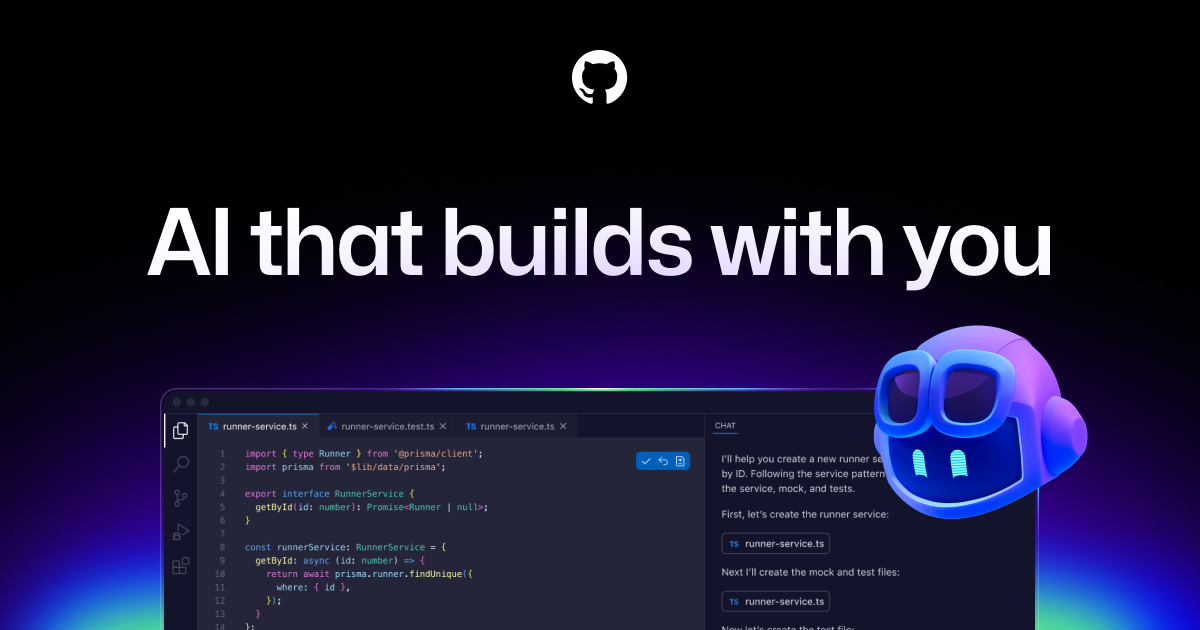
GitHub Copilot is GitHub’s AI coding assistant across IDEs, GitHub.com, pull requests, CLI workflows, code review, and agentic development. It is best for developers and teams that want AI help inside existing repositories while keeping review, tests, and governance in the workflow.

Trae is your helpful coding partner. It offers features like AI Q&A, code auto-completion, and agent-based AI programming capabilities.

MarsCode is an AI coding assistant and IDE-style development tool for code completion, explanation, debugging, and code generation. Current official metadata also points to Trae AI IDE, so the page should explain the product carefully instead of treating it as a static legacy listing.