Prepare a small diagnostic clip
Choose a 20 to 30 second clip with clean audio and a small number of speakers. Keep a copy of the original transcript so you can tell whether an error began in recognition or translation.
Prepare a target language and a few names or terms whose spelling and pronunciation matter. Avoid changing voices, translation settings and input media simultaneously during the first experiment.
Use the official runtime instructions
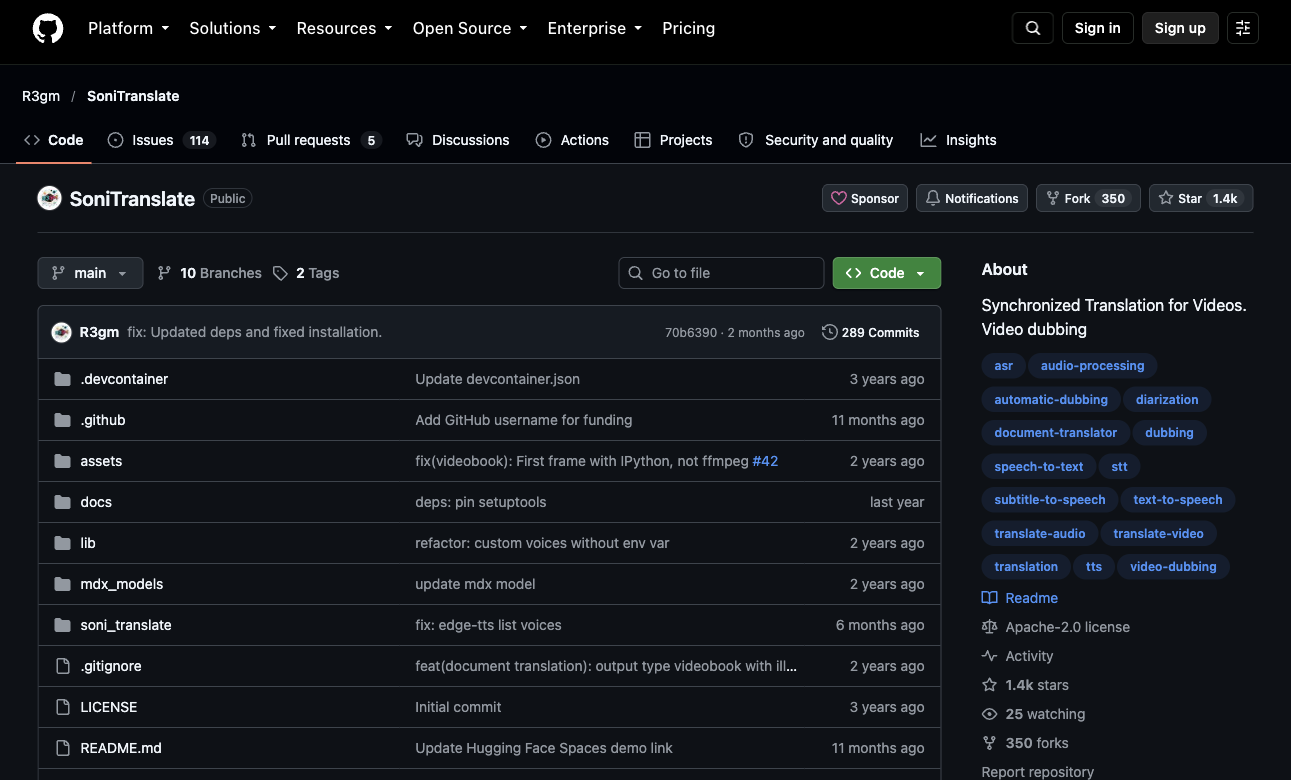
Start from the SoniTranslate repository linked below. Its notebook and local installation paths can have different dependencies, authentication needs and compute limits. Follow the instructions associated with the specific revision you use.
For a local installation, review the environment, FFmpeg, accelerator and backend requirements before downloading models. Optional speaker diarization or voice components may need separately accepted model terms and credentials. Keep those credentials in the runtime's secret settings.
git clone https://github.com/R3gm/SoniTranslate.git
cd SoniTranslate
# Follow the installation and launch instructions for this revision.
Run and inspect each stage
Use the application's current controls for source language, target language and speakers. Keep the original audio and intermediate transcript so you can identify the stage that failed.
- Load the short clip and confirm that its audio plays correctly.
- Select the source and target language and review the expected speakers.
- Run recognition and inspect names, punctuation and segment boundaries.
- Review translated text before generating the final speech where the workflow permits editing.
- Listen to the output while watching the video and note timing or speaker errors.
Diagnose problems by stage
Recognition errors become translation errors and then convincing spoken mistakes. Fixing a voice setting will not repair an incorrectly recognized product name.
| Symptom | Check first | Next action |
|---|---|---|
| Incorrect names | Source transcript | Correct spelling and rerun downstream stages |
| Wrong speaker voice | Speaker assignment | Review diarization and voice mapping |
| Speech spills into the next shot | Translation length and timing | Shorten wording or adjust segment timing |
| Model or encoder error | Runtime and dependencies | Compare the exact error with repository issues |
Scale after one accepted output
Save the working revision, environment and voice settings with the accepted clip. Process a longer section next and keep time for human language review. A successful installation only establishes that the pipeline runs; it does not establish translation accuracy.
Hosted notebooks have usage limits and local runs have hardware costs. Check each model and voice license for the intended use, and obtain permission for any voice likeness used in the workflow.
Common questions
Is SoniTranslate the same as transcription?
No. Transcription produces text from speech; dubbing also translates that text and generates target-language speech that must fit the media timing.
Should I start with a full video?
Start with a short sample containing the speakers and terminology that matter. It is cheaper and easier to debug recognition, voice assignment and timing before a long run.
Does open-source code mean every voice is free to use?
No. Review the licenses and terms of the exact models, voices and services used by your selected configuration.
Official sources
We check official documentation, explain limits and link to our sources. These are editorial guides, not scored hands-on benchmarks. Plan availability can change; check the linked provider before paying.