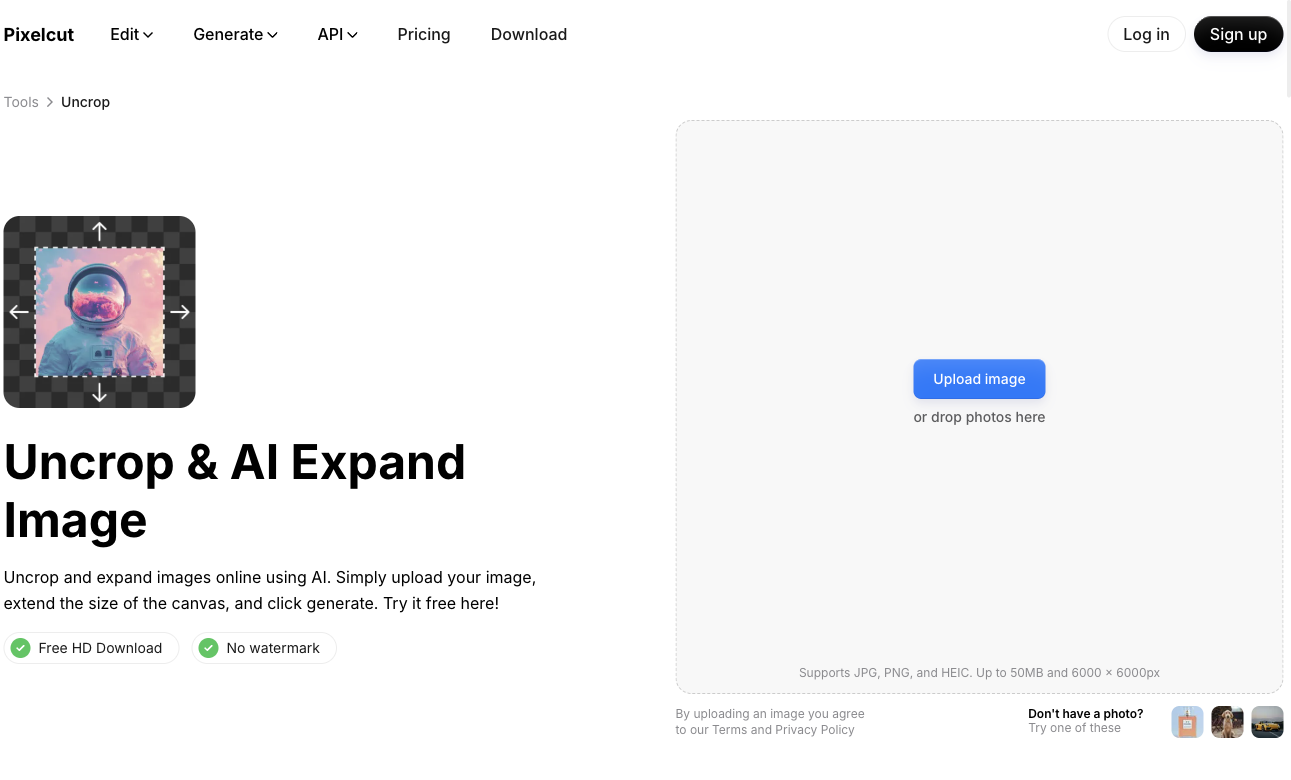
Choose expansion instead of cropping
Cropping removes part of the frame. Resizing changes dimensions, while outpainting generates new surroundings. Choose outpainting when you need additional background around an existing subject, such as space for a headline or a portrait version of a landscape image.
Generated surroundings are new image content. They do not recover the historical scene that was outside the camera frame. Keep the original when accuracy matters.
Expand your first image
The official Uncrop workflow accepts an upload, lets you adjust the canvas and generates a filled extension. Available account limits should be checked on the live tool.
- Open Pixelcut Uncrop using the official link below and upload your source image.
- Select the target aspect ratio or extend the canvas in the required direction.
- Keep the important subject inside the original image area.
- Generate the extension and inspect the join between original and generated pixels.
- Regenerate if necessary, then download and check the actual output dimensions.
Use the target format to guide the canvas
Pick dimensions from the destination rather than expanding arbitrarily. A product listing needs consistent framing across the catalog; a campaign header needs enough safe space for text.
| Task | Canvas decision | Inspect |
|---|---|---|
| Square product tile | Add balanced background around the product | Label fidelity and consistent scale |
| Vertical social image | Extend above and below the subject | Hands, repeated objects and unnatural perspective |
| Wide banner | Add space on one side for text | Lighting, horizon and sufficient contrast |
Check what changed
Zoom to full size and compare the original region with the source. Watch for warped packaging, repeated furniture, broken shadows and invented signage. A convincing thumbnail can hide errors that appear on a large campaign image.
For product work, keep any claims about the product grounded in the original photograph. If the generated background implies a feature or setting that is inaccurate, change the composition before publication.
Download a test before batching
Check the saved dimensions, file format and visible watermark rather than relying on the editor preview. Free limits and account entitlements can change, so verify the current offer on the official page.
Save the source file, selected result and intended placement. When you later animate the image, use the accepted export as the shared reference so the composition stays consistent.
Common questions
Will Uncrop restore the real missing scene?
No. It generates a plausible continuation. The new pixels should be reviewed as synthesized content, especially for product, news or documentary images.
Can I make a landscape photo vertical?
Extend the canvas above and below the subject, generate the added background, then check the proportions and borders at the intended display size.
Why does my result look fine as a thumbnail but wrong full size?
Small previews conceal repeated details, text distortion and edge seams. Inspect the downloaded file at full size before using it in a public campaign.
Official sources
We check official documentation, explain limits and link to our sources. These are editorial guides, not scored hands-on benchmarks. Plan availability can change; check the linked provider before paying.