Start with the deliverable
A social avatar, a website header and a print-ready brand mark have different needs. A raster preview may be enough to compare concepts, while a real identity often needs editable text, a transparent export and a scalable vector master.
Write the exact brand name, audience and main use before opening a generator. Decide whether you need an icon, a wordmark or a combination. This makes the output easier to judge and prevents you from choosing an attractive mark that is unreadable at the intended size.
Three ways to create the first draft
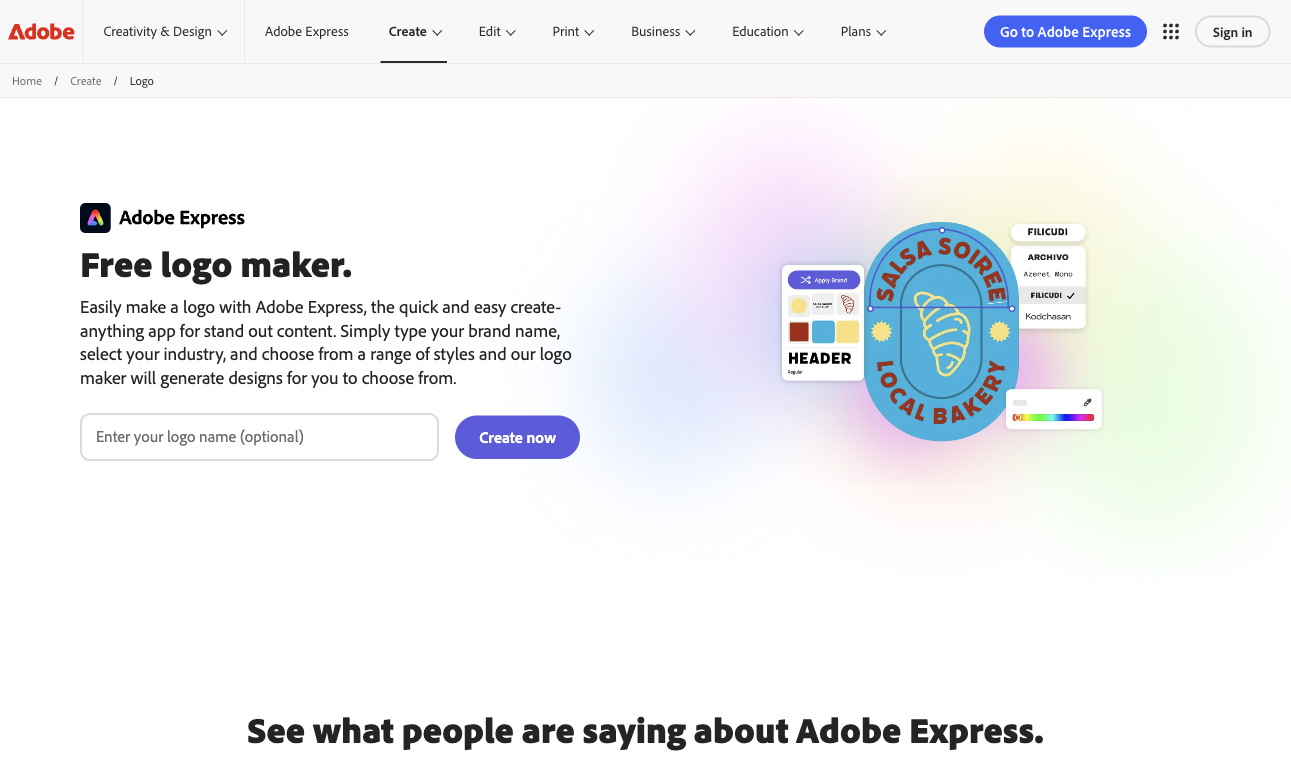
Adobe Express and Canva provide logo-design workflows with editable layouts. Image generators can help explore a direction, but a generated picture may not contain editable lettering or production-ready vector paths.
| Workflow | Good starting point | Export check |
|---|---|---|
| Adobe Express logo maker | Quick concepts and editor-based adjustments | Confirm which assets and download options are free |
| Canva logo editor | Editable typography and reusable layouts | Check paid assets, transparency and vector export eligibility |
| AI image generator | Exploring symbols, composition and visual styles | Rebuild text and shapes when an editable master is needed |
Build a usable first version
Keep the brief narrow enough that you can compare a few directions fairly. Use real words from your business rather than asking for a generic modern logo.
- Enter the exact name and describe the business in one sentence.
- Choose a simple icon or a typography-led direction.
- Edit the text separately and verify every letter and spacing pair.
- Preview the mark at avatar size, in a website header and in monochrome.
- Download a test file and inspect transparency, dimensions and the available editable formats.
Check what free actually includes
A free editor, a free preview and a free final download are different offers. Test the export before investing time in the concept. Check whether the design includes premium stock elements, whether a transparent background is included and whether vector files require a different plan.
Keep a record of the chosen assets and their license terms. Availability in a design library does not establish exclusivity for your brand. If exclusivity matters, commission original artwork and arrange the appropriate rights review before launch.
A small quality checklist beats a large gallery
The mark should remain recognizable without effects, shadows or a gradient. Check whether it still reads as a single shape at small sizes, whether the name survives on a narrow mobile header and whether a monochrome version is practical.
Save the editable master together with light, dark and transparent exports. A logo you cannot reproduce consistently will create more work every time you need a new banner or favicon.
Common questions
Does an AI logo generator provide SVG files?
Some workflows offer vector export, while others generate only raster images. Inspect a real downloaded file and the applicable plan rather than relying on the word logo in the product name.
Can I keep the text editable?
Use a design editor with a separate text layer. Lettering embedded in a generated image normally needs to be recreated with a font or vector paths.
What should I download for a website?
Keep an editable master and a transparent web export. If available, a clean SVG is useful for scaling; inspect it in the browser and retain a PNG fallback.
Official sources
We check official documentation, explain limits and link to our sources. These are editorial guides, not scored hands-on benchmarks. Plan availability can change; check the linked provider before paying.