About
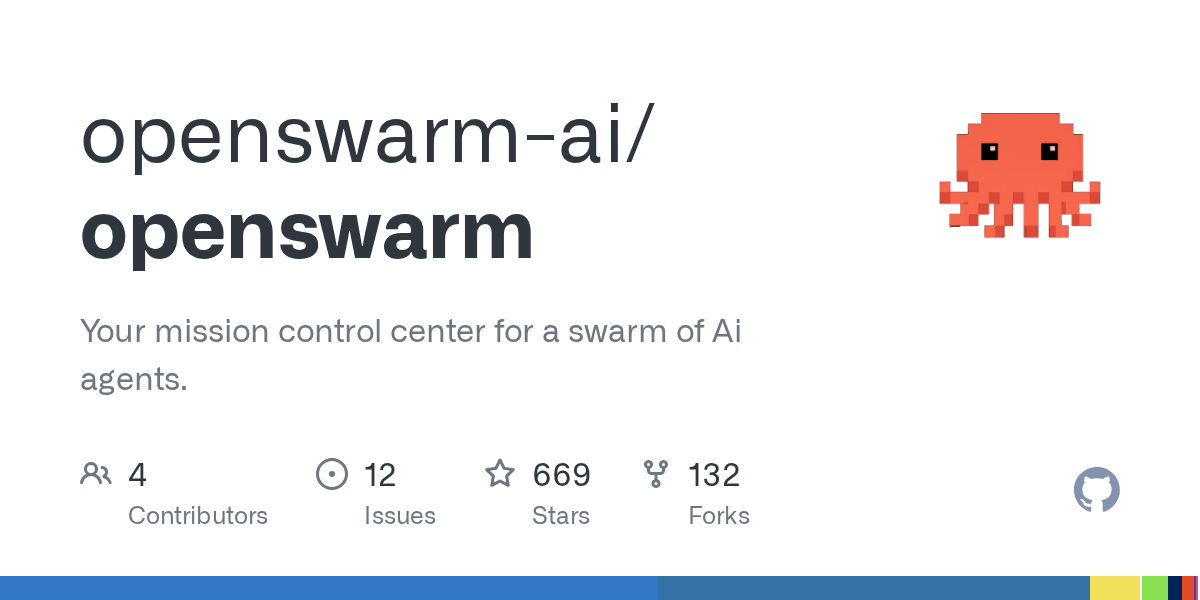
OpenSwarm treats agent collaboration like a production team instead of a lone assistant. One request can fan out into specialist roles for research, writing, visuals, data work, and code, then come back as a more complete package. That gives it wider reach than coding-only agent projects.
Why It Is Hot Now
It is hot because many users now want agent systems that produce complete business deliverables, not just code patches or chat answers. Open-source buzz around parallel agents, broad tool access, and forkable specialist workflows pushed OpenSwarm into that conversation.
Key Features
- Coordinates specialist agents across research, writing, visuals, data, and code work.
- Supports parallel workflows that return multiple deliverable types from one brief.
- Keeps the system open source and forkable for custom team setups.
Real Use Cases
- Turning one launch brief into research notes, slide outlines, docs, and visuals.
- Building proposal packs or strategy decks from a single multi-part request.
- Running agent-assisted operations where several specialties need to work together.
Community Pulse
Fans like the one-prompt-many-deliverables promise and the fact that the workflow is visible enough to fork. Doubters still question cost control, prompt discipline, and whether wide-scope swarms stay reliable outside polished demos.
Limits and Risks
OpenSwarm can sprawl if every task becomes a swarm. It works best when the output genuinely needs multiple specialties and a human is still willing to review the package.
Alternatives
Comparable options include Agency Swarm setups, custom multi-agent pipelines, AutoGen teams, and broader orchestration workspaces built around specialist agents.
FAQ
- Who should test OpenSwarm first? Teams that regularly assemble research, docs, decks, or media from one brief and want more than a single chat reply.
- What should be validated early? Token cost, quality consistency across agent roles, and whether the parallel workflow really beats simpler linear tooling.