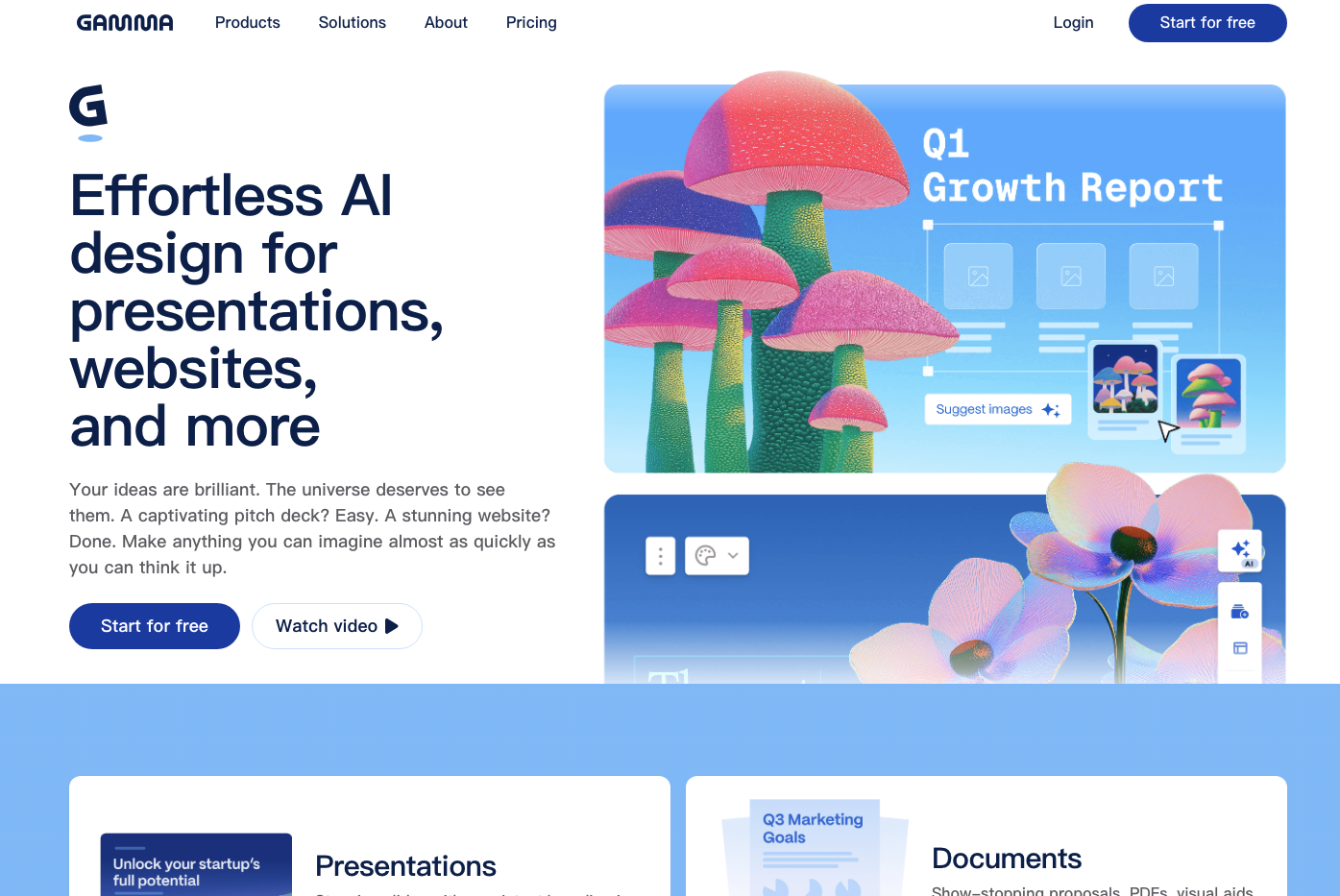
Gamma is a web-native visual content platform that turns a prompt, pasted outline, imported file or collection of sources into editable presentations, documents, webpages, social posts and graphics. Its AI can propose structure, write or transform copy, select layouts and generate or source visuals; users continue editing cards in a responsive canvas rather than a conventional fixed-slide master.
The strongest use case is accelerated first-draft production. Gamma can turn an approved memo into a coherent client deck faster than arranging every slide manually. It cannot decide whether the strategy is sound, whether a market statistic is current, whether an image is licensed for the intended use, or whether a PowerPoint export survives the recipient’s environment. Those are editorial and operational responsibilities.

Choose the right creation path
| Mode | Start with | Best use | Main risk |
|---|---|---|---|
| Generate | A topic, audience, goal and constraints | Exploration and a first outline | Generic claims and invented detail when the brief is thin |
| Paste | Approved text or a structured outline | Formatting content without surrendering the core argument | Automatic splitting can weaken hierarchy or overfill cards |
| Import | PPTX, PDF, document, public webpage, Notion or Drive source | Restyling or converting existing material | Import primarily extracts text; original layout and styling may not survive |
| Create with Agent | Multiple sources plus a conversational brief | Research-assisted outlining and iterative creation | Source synthesis can blend facts, assumptions and unsupported web material |
Use Generate when the structure is genuinely unknown. Use Paste when the writing already passed review. Use Import for migration, but budget time to rebuild hierarchy and visuals. Use Agent only when someone will inspect its sources and reasoning boundaries. The most reliable workflow often begins outside Gamma with a fact-checked one-page narrative.
A practical production flow
 audience + decision + approved sources
                 |
          narrative spine
 problem -> evidence -> choice -> action
                 |
      Generate / Paste / Import / Agent
                 |
        editable Gamma cards
        /        |         \
    content    visual     brand/accessibility
      QA         QA              QA
        \        |          /
           delivery proof
 web link / PDF / PPTX / PNG / published site
- Define the decision. State what the audience should understand, believe or do after viewing the content.
- Prepare a source packet. Include approved facts, dates, definitions, chart data, quotations, brand assets and mandatory legal copy.
- Write a narrative spine. Give each section one job and each card one claim. Specify the conclusion rather than asking AI to discover it.
- Select the mode. Paste an approved outline when accuracy matters; Generate when breadth matters; Agent when source comparison is genuinely needed.
- Regenerate locally. Fix a weak card or visual instead of repeatedly regenerating the whole deck and reintroducing errors.
- Run independent QA. Verify facts against sources, charts against raw data and exports in the actual destination application.
Current plan boundaries
Gamma’s live pricing page lists Free, Plus, Pro and Ultra for individuals, with separate team evaluation. Prices can vary by billing cycle and region, so this guide avoids freezing a dollar amount. As of the review date, the published capability boundaries are more useful than a price snapshot.
| Plan | Published positioning | Important current limits/capabilities |
|---|---|---|
| Free | Simple projects and evaluation | Up to 10 slides per prompt; basic content types; PDF/PPTX/PNG/Google Slides export; Gamma branding |
| Plus | More AI usage and branding removal | Up to 20 slides per prompt; advanced AI image models; remove Gamma branding |
| Pro | Premium models, API and customization | Up to 60 slides per prompt; custom branding/fonts; advanced sharing and analytics; up to 10 custom domains; API; workspace templates |
| Ultra | Higher AI usage and newest models | Up to 75 slides per prompt; advanced text/image/video models; up to 100 custom domains; early feature access |
The pricing page also states SOC 2 Type II compliance and links to a Trust Center. Compliance is not a promise that every sharing choice is private. Workspace administrators still need role, link, password, indexing and content-classification policies.
Credits and “unlimited” creation
Free accounts receive a finite initial credit allocation, while paid offerings advertise unlimited AI creations alongside monthly credits for particular premium models or actions. This can be confusing: “unlimited creations” does not necessarily mean every model, image, video or Agent operation has no quota. Check the live credit panel for the exact action and model before estimating a team workflow.
| Cost driver | How to control it | Hidden operational cost |
|---|---|---|
| Repeated whole-deck generation | Approve outline first; regenerate only affected cards | Review drift across versions |
| Premium image/video models | Use placeholders until the story is final | Licensing and brand review of generated assets |
| Agent research | Provide a bounded source packet and stop conditions | Fact checking and source reconciliation |
| Team seats/workspaces | Define creator, reviewer and viewer roles | Content migration when ownership changes |
| Export repair | Test a representative deck before committing | Manual PowerPoint/layout remediation |
Import reality: content is not design fidelity
Gamma supports PowerPoint, PDF, Word, Google Docs/Slides, public Notion pages, webpage URLs and Google Drive routes, depending on the workflow. Official help says plain import brings in text—typically one Gamma card per source slide or heading—rather than reproducing the original styles and layouts. AI import can restyle the extracted material.
Published upload limits currently include 200 MB for common imported files, 100 MB for PDFs, 200 MB for media-library files and a 50-megapixel image dimension cap; AI style-reference images have a lower stated limit. These limits can change. More important, scanned PDFs, complex diagrams, speaker notes, animations, tables and master-slide logic may require manual reconstruction.
| Imported element | Likely treatment | Verification |
|---|---|---|
| Headings/body text | Extracted and divided into cards | Check hierarchy, omissions and reading order |
| Original theme/layout | Not preserved as a faithful editable clone | Reapply approved Gamma theme and compare visually |
| Charts/tables | May flatten, simplify or import as content | Rebuild from source data; verify labels and values |
| Images | May be extracted or replaced by AI workflow | Check resolution, crop, ownership and alt text |
| Speaker notes/animation | May not map to web-native cards | Confirm manually before migration |
Export: web-native design meets fixed formats
Gamma exports PDF, PNG and PowerPoint; a PPTX can be uploaded into Google Slides. Official documentation warns that exported content matches Present Mode, not Edit Mode. Gradients, frosted backgrounds and custom accent shapes can fall back because destination formats do not support the same effects. Gamma embeds theme fonts in PPTX where possible, but Google Slides may ignore embedded fonts and substitute its own. Only heading/body fonts and bold weights are covered; italic treatment can differ.
| Delivery | Advantage | Mandatory QA |
|---|---|---|
| Gamma web link | Best preservation of responsive cards, embeds and interactions | Permissions, password, indexing, mobile, analytics and link durability |
| Stable read-only distribution and printing | Page breaks, backgrounds, links, fonts, crop and accessibility tags | |
| PPTX | Recipient can edit/present in Microsoft workflow | Open on target PowerPoint version; inspect fonts, shapes, overflow and animation expectations |
| Google Slides | Familiar collaboration after PPTX upload | Expect font substitution; inspect every card after conversion |
| PNG | Visual fidelity for social/static use | Text is not editable/searchable; check resolution and safe zones |
Free-origin content may retain a “Made with Gamma” badge even when shared into a paid workspace. Official guidance may require duplicating or copying cards into content created in the paid workspace. Always inspect the final exported file rather than relying on account status.
Narrative and factual QA
| Check | Pass condition | Common AI failure |
|---|---|---|
| One-card claim | Headline states the conclusion, body proves it | Topic labels such as “Market Overview” without a takeaway |
| Evidence | Every number has source, period, unit and denominator | Plausible unsourced statistics or mixed time windows |
| Comparison | Criteria are consistent across alternatives | Marketing adjectives in place of measurable attributes |
| Chart integrity | Values match source; axes and baselines are honest | Decorative chart not tied to data |
| Action | Owner, next step and timing are explicit | Generic “move forward” conclusion |
| Source links | Open to the exact supporting page and remain visible | Homepage links or fabricated citations |
For a pitch deck, also separate observed traction from forecasts and assumptions. For education, label AI-generated examples and check reading level. For internal strategy, preserve dissenting evidence and unresolved questions instead of letting layout polish imply consensus.
Brand and visual QA
Pro currently adds custom branding and fonts, workspace templates, headers/footers and related controls. A theme can create consistency, but it cannot prevent an AI-generated image from violating brand or a dense card from becoming unreadable.
- Use one display face and one body face with tested fallbacks.
- Keep color contrast sufficient in light/dark and exported formats.
- Define image style, crop rules, logo clear space and prohibited visual motifs.
- Use fixed-height slides before PPTX/PDF delivery; web cards can otherwise grow with content.
- Check titles, section rhythm, alignment, whitespace and visual hierarchy at thumbnail scale.
- Replace generic AI imagery with diagrams, screenshots or data visuals that add evidence.
Accessibility review
| Area | What to verify |
|---|---|
| Keyboard | Published content, menus, embeds and navigation work without a pointer |
| Reading order | Card and block sequence makes sense to assistive technology and in export |
| Alternative text | Meaningful images have concise equivalents; decorative visuals are ignored |
| Contrast | Text, links, chart series and focus indicators meet the intended standard |
| Motion/media | Autoplay is controlled; video has captions/transcript; motion is nonessential |
| Document export | PDF/PPTX accessibility is tested independently; visual similarity is not enough |
Gamma Sites: useful, but not a full CMS
Gamma can publish single- or multi-page sites with navigation, favicon, analytics integrations and a gamma.site address. Pro and above currently support custom domains; the pricing page lists up to ten for Pro and one hundred for Ultra. DNS/SSL activation can take time, and changing a domain may require redirects to preserve traffic.
Use Gamma Sites for campaigns, portfolios, resource hubs and lightweight explainers. Before replacing a production CMS, test structured metadata, redirects, canonical URLs, sitemap/indexing control, forms and consent, localization, versioning, backup/export, performance and accessibility. “Make discoverable on the web” is a sharing control with privacy consequences, not merely an SEO toggle.
Sharing, privacy and governance
| Control | Decision | Risk |
|---|---|---|
| View/comment/edit link | Use least privilege and named collaborators where possible | Forwarded public links or accidental editing |
| Password protection | Available on Pro and above according to current help | Shared password is weaker than identity-based access |
| Web indexing | Enable only for intentional public material | Sensitive draft becomes searchable and cached |
| AI/Agent sources | Exclude confidential material unless contractual controls fit | Data sent to models, search or integrations |
| Workspace ownership | Define offboarding, transfer and paid-workspace origin | Lost access or persistent branding after employee departure |
| Analytics/trackers | Configure consent and disclose measurement | Visitor privacy and regional compliance |
Alternatives
| Tool | Choose when | Trade-off versus Gamma |
|---|---|---|
| PowerPoint | Strict masters, offline work, enterprise delivery and detailed animation matter | More control; slower first draft and less web-native |
| Google Slides | Simple real-time collaboration and organizational familiarity dominate | Predictable workflow; less automatic layout generation |
| Canva | Brand kits, asset library and many social/print formats are central | Broader visual design; Gamma is stronger at narrative card generation |
| Beautiful.ai | Guardrailed slide layouts and conventional presentations are preferred | More slide-specific; less flexible web/document output |
| Pitch | Collaborative sales/startup presentations and team workflow matter | Traditional deck model with strong collaboration |
| Notion/Docs | The deliverable is a detailed memo with comments and knowledge lifecycle | Better long-form editing; less presentation polish |
FAQ
Can Gamma replace PowerPoint?
For many web-first decks, yes. Keep PowerPoint when master slides, exact fixed layout, offline editing, advanced animation or a recipient’s corporate workflow is non-negotiable.
Does Gamma preserve an imported PowerPoint design?
Not as a faithful editable clone. Official help says import is primarily text-based; expect to restyle and reconstruct complex visual elements.
Can free users export?
Yes, the current pricing page lists PDF, PPTX, PNG and Google Slides export. Free-origin content carries Gamma branding, and watermark handling depends on the workspace where the content originated.
Are Gamma exports pixel-identical?
No. Gradients, frosted effects, accent shapes and fonts can differ in PDF, PowerPoint or Google Slides. Inspect the actual destination file.
Is Gamma suitable for a public website?
It can be excellent for lightweight sites. Test SEO controls, redirects, privacy, accessibility, localization and content operations before using it as a full CMS.
What is the safest AI workflow?
Start from approved sources and an explicit narrative, use AI for structure and layout, then independently verify facts, visuals, permissions and exports.
Sources and verification
- Official Gamma product
- Official live plans and capability comparison
- Official Generate, Paste and Import guidance
- Official import behavior and limits
- Official export formats, branding and fidelity limits
- Official sharing and web indexing controls
- Official custom-domain guidance
- Official Gamma Sites settings
- Gamma Trust Center
Last reviewed July 26, 2026. Prices, credits, model access and feature limits change frequently. Verify the live account and export a representative project before purchase.