
Cline
Cline is an open-source autonomous coding agent for VS Code-style workflows, capable of editing files, running terminal commands, using browser tools, and working with MCP.
26100
9 agents available
Cline is an open-source autonomous coding agent for VS Code-style workflows, capable of editing files, running terminal commands, using browser tools, and working with MCP.

Aider is an open-source AI pair-programming and coding-agent tool that works in the terminal, edits local repositories, and integrates with Git workflows.

Devin by Cognition is an autonomous AI software engineer designed to take software tasks, work through implementation steps, and return tested changes.

Cursor Background Agents extend Cursor's AI editor workflow into asynchronous repository tasks while keeping developers inside the IDE-centered coding experience.

GitHub Copilot coding agent lets developers assign tasks from GitHub issues and pull requests so the agent can work inside GitHub's review and branch workflow.

Google Jules is Google's autonomous coding agent for asynchronous software tasks, running work in cloud virtual machines and returning verified changes.

OpenAI Codex is OpenAI's software-engineering agent family spanning Codex CLI, IDE, desktop, and cloud task workflows for coding, bug fixing, and code review.

Claude Code is Anthropic's terminal-native coding agent for reading repositories, editing files, running commands, using MCP tools, and carrying software tasks through a plan-edit-test loop.

Claw Code is an open-source AI coding agent framework described as a clean-room Python and Rust rewrite of Claude Code-style agent harness architecture.
AI agent selection
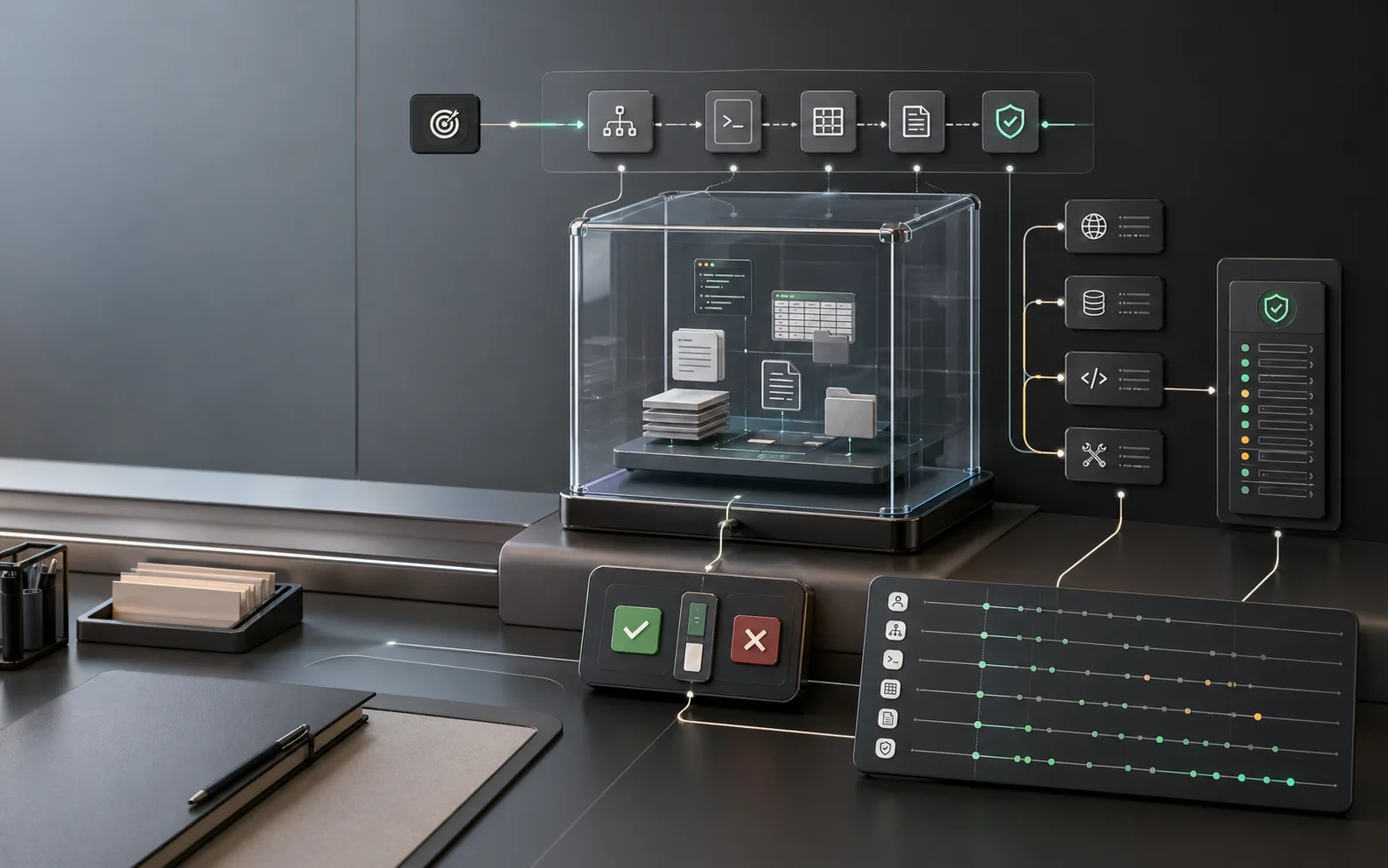
The agent market is moving from simple chat assistants toward runtimes that can inspect files, call tools, write outputs, preserve state, and resume work. A useful agent directory should help users compare autonomy, guardrails, observability, memory, and deployment fit.
What changed
Sandboxed workspaces
OpenAI’s April 15, 2026 Agents SDK update focuses on agents that inspect files, run commands, edit code, and continue long-horizon tasks in controlled sandbox environments. That makes workspace design, file permissions, and output directories first-class evaluation criteria.
Runtime, not demo
OpenAI’s update describes configurable memory, MCP tool use, skills, AGENTS.md instructions, shell execution, patch-based file edits, snapshotting, and rehydration. Google ADK similarly surfaces tools, sessions, memory, observability, evaluation, and safety as core agent concerns.
Reliability diagnosis
LangChain’s docs argue that agents often fail because the right context was not passed to the model, not because the base model is always too weak. For users, this means an agent profile should explain how it chooses tools, stores memory, and filters task context.
Popular starting points
Compare AI agents by what you need them to do: learn the basics, build an AI agent, connect automation in n8n, explore OpenAI Agent and Google AI Agent ecosystems, or evaluate agent builders such as Vertex AI Agent Builder.
Start here if you need a clear explanation of AI agents, common agent examples, useful agent tools, and practical business use cases.
Best for users who want a build path: goal definition, tools, memory, approval gates, sandboxing, deployment checks, and evaluation.
Helpful for automation users who want to connect AI agents with triggers, workflows, apps, approvals, and repeatable operations.
Explore AI agent paths
The page should satisfy both beginners and builders: definition searches, platform searches, workflow automation searches, and course/comparison searches.
These queries need practical architecture: goal, tools, memory, runtime, approval gates, observability, evaluation, and launch readiness.
Users are comparing ecosystems. Add neutral language about OpenAI Agent workflows, Google AI Agent tools, Manus AI Agent style products, and coding agents such as Replit AI Agent.
These users need examples and learning paths. The copy should connect AI agents with automation workflows, courses, and hands-on implementation.
Agent types compared
A lightweight assistant and a production agent are different products. The comparison should start with what the agent is allowed to do.
What to inspect before using an agent
Related AI agent topics
Use these topics to move from general AI agents into builders, automation platforms, open-source agents, free agents, and hands-on courses.
Agent FAQ
It has a clear task boundary, controlled tools, memory rules, human approval for risky actions, logs or traces, failure handling, and measurable output quality. Without those pieces, it is closer to a demo than a reliable worker.
No. Multi-agent systems help when work can be split into roles or parallel tasks. They add coordination cost, so single-purpose or workflow agents are often better for repetitive business processes.
Because agents can act. Any agent that touches files, APIs, customer data, payments, or publishing systems should disclose permissions, isolation boundaries, approval steps, and logging behavior.