
TryOn.ink
Create custom tattoo designs with AI and preview them on your body before getting inked.
Designpreviewand refine your next tattoo with AI before making it permanent.
7550
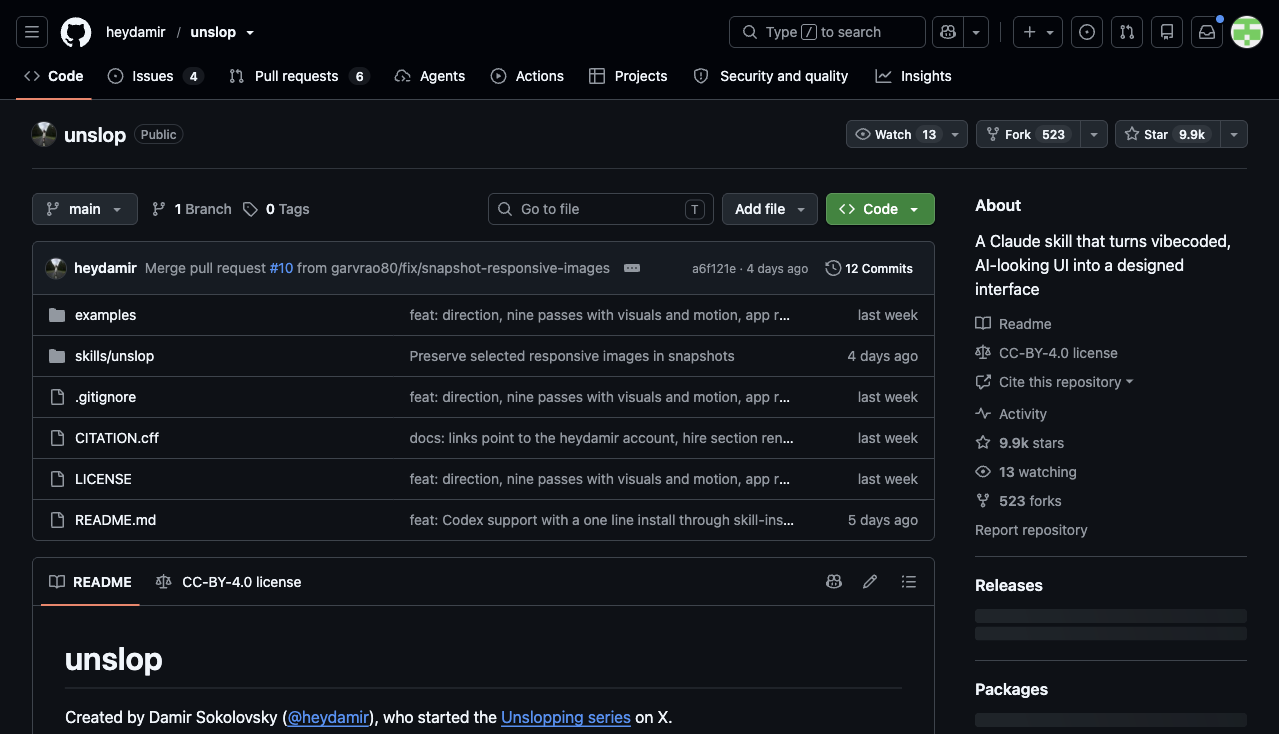

Unslop is a Claude Code and Codex design-review skill for improving existing interfaces through an audit, a product-specific direction and ordered editing passes.
3
Views
0
Likes
Nov 2026
Added
github.com
Website
A quick visual look at Unslop before you visit the official site.
Editorial Review
Research checked 6 November 2026. Publisher claims and third-party trials are identified separately; this page is not an AIDreamHub hands-on benchmark.
Unslop, by Damir Sokolovsky, is an agent skill for turning an existing AI-looking interface into a more deliberate design. It works through the coding agent and the project’s own frontend stack, rather than exporting a separate hosted website. The useful question is not whether it can remove purple gradients; it is whether a reviewer can explain the screen’s hierarchy, preserve its behaviour and make its visual decisions specific to the product.
It is best suited to a founder or frontend developer with a working dashboard, app screen or landing page that needs a focused design pass. It is not a substitute for user research, a complete design system, accessibility testing or production QA. An existing brand system should constrain its suggestions, not be discarded simply because a different aesthetic looks fashionable.
Official project page captured by AIDreamHub; not a locally run product.
The documented sequence is audit → direction → ordered passes. Unslop identifies generic styling and its location, then proposes a direction drawn from the product before changing code. Its passes address spacing, colour, icons, copy, typography, layout, detail, visuals and motion. The order matters: changing copy can change line lengths, while spacing corrections can make decorative fixes unnecessary.
The README also documents a square story video under ten seconds. Capturing a live site or making that video requires Playwright and Chromium; video additionally needs FFmpeg. Image generation is optional and may invoke a separately billed service. A revision montage demonstrates visible changes, not improved conversion or task completion.
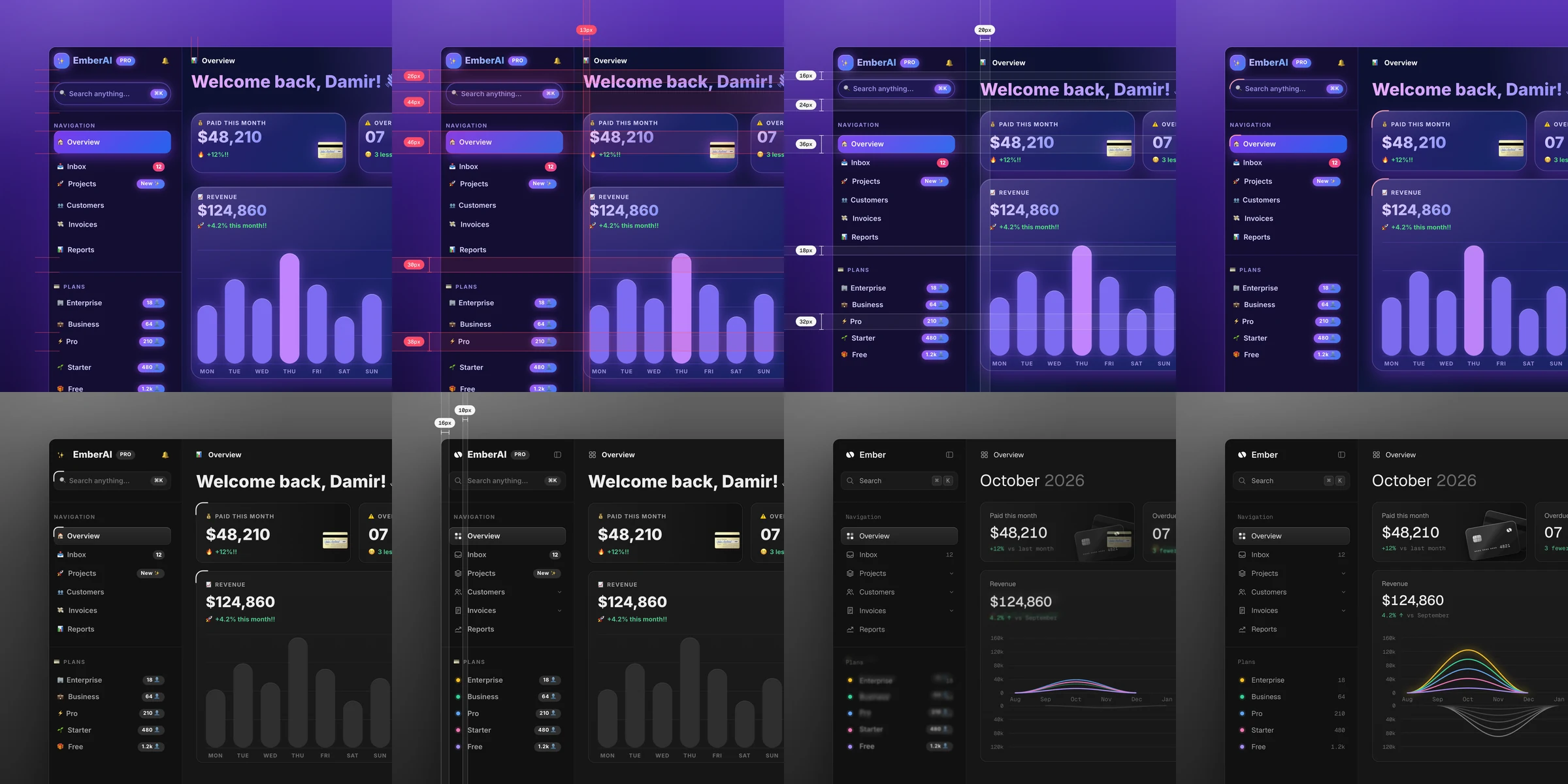
In a 2 November 2026 hands-on article, Japanese creator まさお compared a plain Claude revision with an Unslop revision. He found a clearer difference on a dashboard than on a landing page, particularly in colour placement and wording. He also reported changes to static numbers. This is one author’s example, not a controlled cross-model benchmark, and we have not reproduced the run.
That observation suggests a concrete safeguard: mark figures, prices, customer names and claims as immutable. If the agent replaces a greeting with a useful period heading, that may improve orientation; if it silently changes a revenue value, it corrupts the screen. Visual polish and factual correctness require separate acceptance checks.
Inspect the repository’s skill files, then copy the skill into a project-local folder for the agent you use. The example below follows the Claude Code installation layout without installing it globally. Open a branch or other recoverable working copy first; these are documented instructions, not a claim that this review ran the skill.
Ask for an audit of one named route and approve the proposed direction before edits. Specify the target audience, the primary task, the existing design tokens and the facts that must not change. Afterward, review the code diff as well as screenshots. Add the optional capture dependencies only when the live-site or story-video workflow requires them.
git clone https://github.com/heydamir/unslop.git
mkdir -p .claude/skills
cp -r unslop/skills/unslop .claude/skills/

# Claude Code
/unslop this dashboardFor an illustrative subscription dashboard, freeze the plan prices, totals, billing labels and action destinations. Capture the same route, data and viewport before and after. Check a desktop view and a narrow mobile view, then test keyboard focus, form errors, empty/loading states and destructive actions. These are proposed checks, not results measured on Unslop.
Avoid approving a redesign from a hero screenshot alone. A quieter palette can still hide a disabled state, and shorter copy can remove an important condition. Reject a version that changes product meaning or breaks a task, even if the composition looks more sophisticated.
| Check | Pass condition | Reject when |
|---|---|---|
| Data and claims | Original values and meaning remain intact | Invented metrics or altered prices |
| Hierarchy | Primary task is clear at both widths | Decoration competes with the action |
| Interaction | Focus, errors and actions still work | Only the static screenshot was checked |
A normal coding-agent prompt can already remove many obvious stylistic clichés. Unslop adds an explicit diagnosis, an agreed direction and a repeatable pass order; the benefit should be judged by fewer missed details, not a promise of universally better taste. A human designer is the stronger route when positioning, research or cross-product consistency is unresolved.
For a client service, sell a bounded deliverable: one screen, a preserved-function checklist, responsive captures and a reviewed diff. That is more defensible than promising to make any AI site premium. It also leaves room for industry-specific judgment, such as dense operational data versus a low-information marketing page.
| Route | Best fit | What still needs review |
|---|---|---|
| Unslop | Focused edits in an existing codebase | Data preservation and interactions |
| General agent prompt | Quick, narrowly specified fixes | Consistency across successive edits |
| Designer-led review | Research, brand and system-level decisions | Implementation and regression testing |
The repository uses CC BY 4.0: credit Damir Sokolovsky (@heydamir) and link to the repository when using, adapting or sharing the skill as required by that license. This is not an MIT-licensed package. Images, fonts and external services can have their own terms.
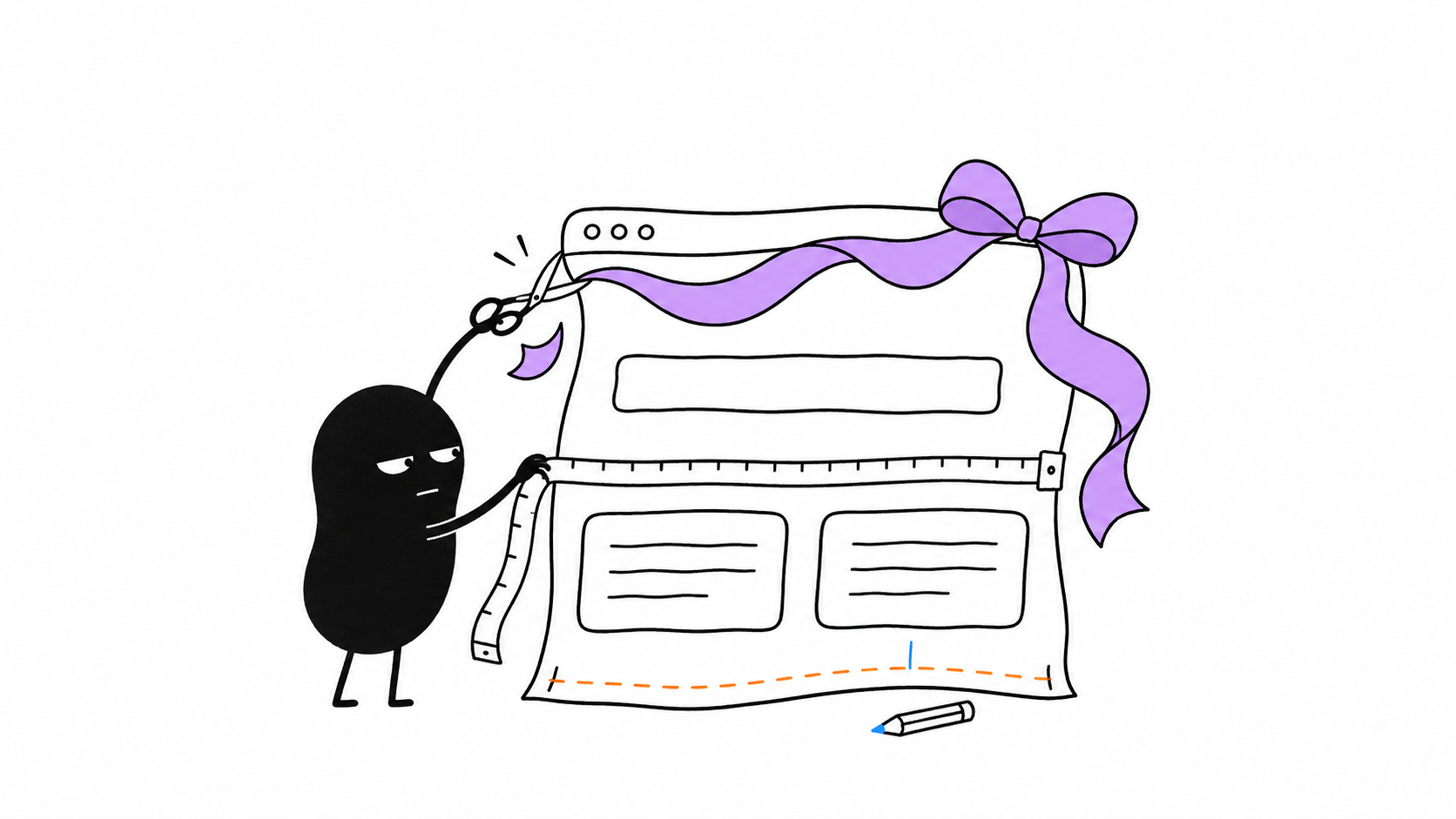
The skill’s availability does not include agent usage, image generation or implementation time for free. Keep work scoped, inspect dependencies before running them, and use real product evidence instead of invented testimonials. The accompanying hand-drawn scene illustrates editorial review; it is not an Unslop output.
Its documented focus is reviewing and improving an existing interface through Claude Code or Codex. Start with a working route or an authorised live-site reference. A new product still needs requirements, content, implementation and testing; a design pass does not provide those automatically.
Yes, code-editing agents can change copy and static data. One hands-on reviewer specifically reported changed numbers. Identify immutable values in the brief and inspect the final diff. Do not rely on an attractive screenshot as evidence that business facts were preserved.
The README requires Playwright and Chromium for live-site captures or story videos, with FFmpeg additionally needed for video. Those are optional workflow dependencies, not evidence that every local styling change needs video generation. The coding agent and its usage costs remain separate.
Visit the official website to get started
Have an AI tool to share?
Get your product in front of people actively exploring AI tools.
Submit Your Tool