Notion AI
Build custom agents, search across all your apps, and automate busywork. The AI workspace where teams get more done, faster.
ai-writingfree
3580
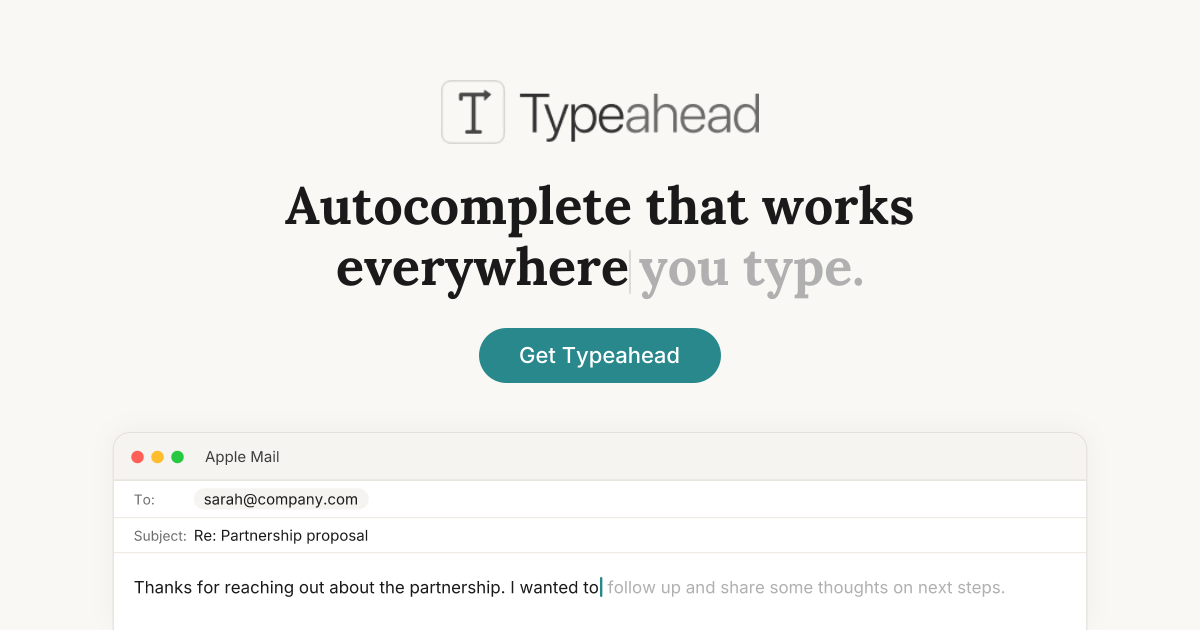

Typeahead is a local AI writing assistant for macOS that adds inline autocomplete to text fields across the system, aiming to make everyday writing faster without sending drafts to the cloud.
375
Views
0
Likes
Jun 2026
Added
typeahead.ai
Website
A quick visual look at Typeahead before you visit the official site.
Editorial Review
Typeahead is trying to win on placement and ownership, not on flashy generation. Instead of opening a side panel or rewriting whole documents, it stays in the line you are already typing and behaves more like a native extension of the keyboard.
It is hot because many users now want AI help without another subscription, another browser tab, or another privacy compromise. Typeahead packages local inference, offline behavior, and a one-time purchase into a much simpler story than most writing assistants.
The best reaction is that Typeahead feels closer to software ownership than to AI upsell theater. People like the local model, the all-app scope, and the one-time pricing. The main pushback is that autocomplete is a narrow promise, so buyers will ask whether it becomes essential enough to justify installing another system-wide layer.
It is macOS-only, depends on Apple Silicon and modern macOS versions, and the product scope is intentionally narrower than full drafting copilots. Some users will still prefer tools that can rewrite, summarize, or collaborate across shared documents in the cloud.
Likely alternatives include Grammarly, GitHub Copilot for code-heavy writing, Notion AI, Apple-native features, and other local-first Mac writing helpers.
Visit the official website to get started
Have an AI tool to share?
Get your product in front of people actively exploring AI tools.
Submit Your ToolBuild custom agents, search across all your apps, and automate busywork. The AI workspace where teams get more done, faster.
DeepL Write is a tool that helps you perfect your writing. Write clearly, precisely, with ease, and without errors. Try for free now!
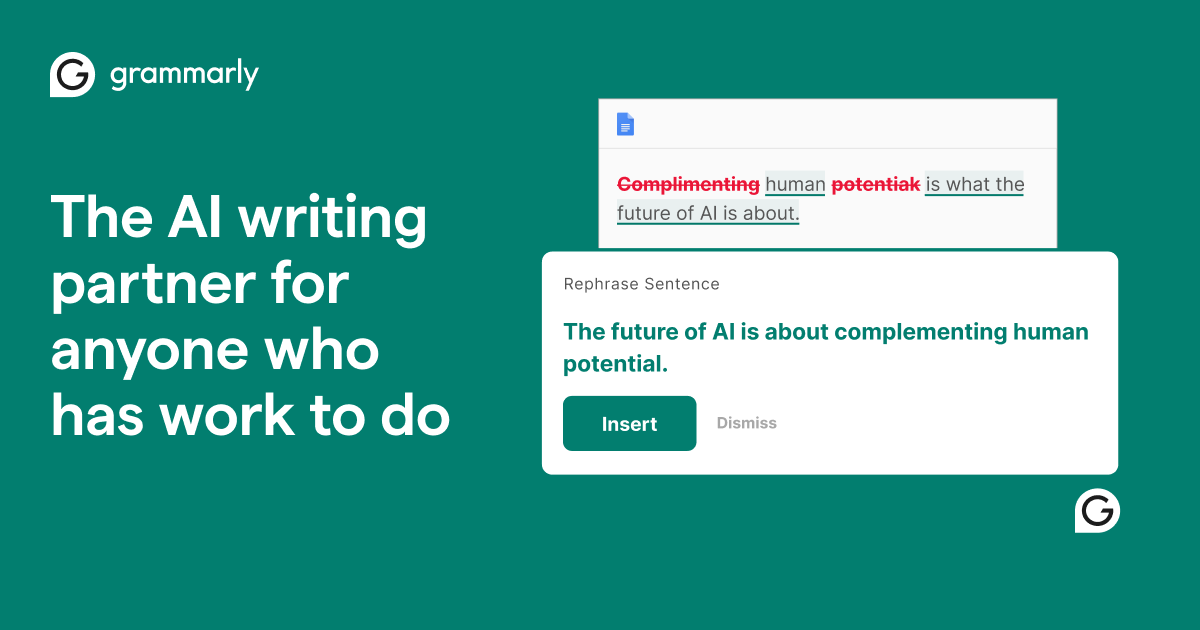
Edit and correct your grammar, spelling, punctuation, and more with your personal writing assistant, grammar checker, and editor.

Add-in for Microsoft Word that seamlessly integrates essential AI tools, including text generation, proofreading, and more, directly into the user interface.