
Civitai is a community platform for discovering, publishing and using generative-image resources. Its catalog spans checkpoints, LoRAs, embeddings, VAEs, ControlNet-style assets, workflows and related resources for ecosystems such as Stable Diffusion, SDXL and FLUX. Model pages combine versions, files, hashes, base-model compatibility, trigger words, creator notes, example media and community feedback.
That density makes Civitai unusually valuable and unusually easy to misuse. A popular model is not automatically compatible, secure, licensed for a client project, free of memorized characters or suitable for every workplace. The platform is a discovery and metadata layer; the downloader remains responsible for validating the exact file, model card, creator restrictions, upstream license and intended output.
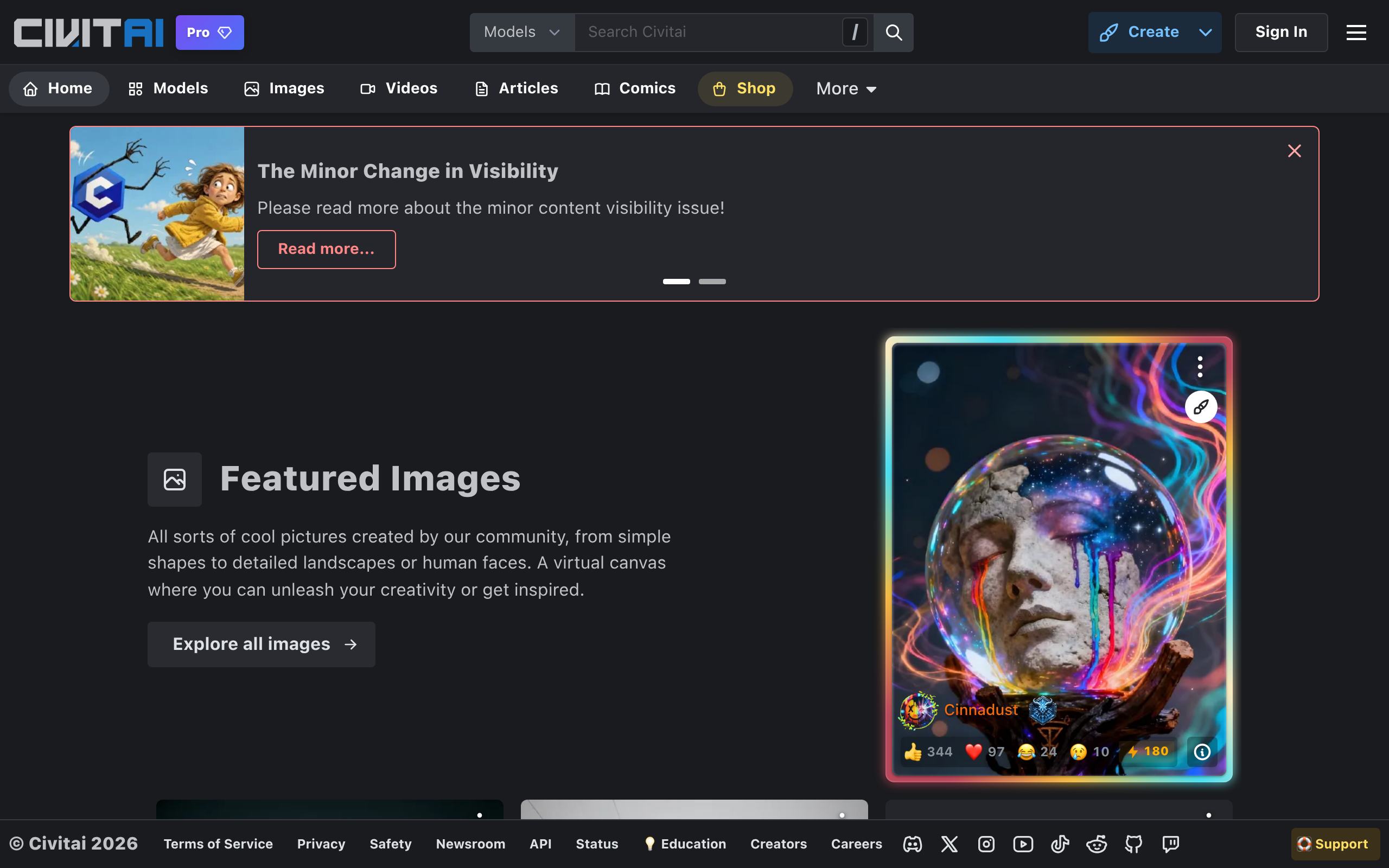
What a Civitai page can tell you
| Field | Why it matters | Common mistake |
|---|---|---|
| Resource type | Determines installation path and how the asset affects inference | Using a LoRA as if it were a full checkpoint |
| Base model | Signals architecture and expected text encoder, VAE and dimensions | Loading an SDXL LoRA into SD 1.5 or assuming every FLUX variant matches |
| Version | Links files, notes, training changes and examples to one release | Following instructions from another version |
| File/hash | Lets users identify the exact downloaded binary | Tracking only a filename that can be changed or duplicated |
| Trigger words | May activate learned concepts or styles | Treating them as universal prompts independent of weight and context |
| Examples/metadata | Show potential prompts, settings and output range | Assuming selected showcase images represent median performance |
| License/restrictions | Defines stated permissions for model use and redistribution | Assuming “downloadable” means commercially unrestricted |
Choose the right resource type
| Type | What it changes | Best use | Key risk |
|---|---|---|---|
| Checkpoint | Large portion of the generation model | Overall visual domain, quality and behavior | Large trust/licensing surface and expensive storage |
| LoRA / LyCORIS | Compact adapter applied to a compatible base | Character, object, style, pose or behavior | Overfitting, identity/IP issues and weight interaction |
| Embedding | Learned token representation | Concept or negative-prompt behavior | Architecture/tokenizer mismatch |
| VAE | Latent-to-pixel encoding/decoding | Color, contrast and reconstruction behavior | Washed-out or incorrect output when mismatched |
| Control resource | Conditions generation on pose, depth, edges or other structure | Composition and spatial guidance | Version/preprocessor incompatibility |
| Workflow | Connects models, nodes and parameters | Reproducing a complete ComfyUI pipeline | Custom nodes execute code and may have hidden dependencies |
A safe download and evaluation workflow
- Define the job. Specify output type, audience, commercial status, prohibited content and approved base models.
- Select a version, not just a page. Record model ID, version ID, publication/update date and creator.
- Read the entire model card. Capture trigger words, recommended weights, sampler, resolution, VAE and known failures.
- Review permissions. Save the model’s current license/restriction display and inspect the base model’s terms separately.
- Prefer safetensors. Treat pickle-based checkpoints as executable-risk artifacts and isolate any exceptional review.
- Verify SHA-256. Compare the downloaded file with published metadata and store the hash in your asset registry.
- Scan and quarantine. Use malware scanning and a non-production generation host without privileged credentials.
- Run a fixed test suite. Test representative prompts, negatives, seeds, people, text, hands, edge cases and prohibited content.
- Approve or reject explicitly. Record technical, safety, quality and rights decisions before team distribution.
File safety: safetensors is a strong preference, not magic
Legacy PyTorch pickle files can execute code during deserialization. A platform scan result lowers risk but should not be the only control; scanners have coverage gaps, and an artifact may change between review and download. Prefer safetensors when functionally equivalent, verify hashes and load new files in an isolated environment.
Safetensors avoids arbitrary pickle execution by design, but a tensor-only file can still cause denial of service, exploit downstream parser bugs or produce malicious model behavior. Workflows and custom nodes are a separate software supply chain: they can install or invoke code even when every model file is safe.
| Artifact | Minimum control | Stronger team control |
|---|---|---|
| .safetensors model | Hash verification and isolated first load | Internal object store, allowlist and signed inventory |
| .ckpt / pickle | Do not load on a trusted workstation | Reject unless converted and independently validated |
| ComfyUI workflow JSON | Inspect graph and required nodes | Allowlisted node versions and offline test runner |
| Custom node/repository | Review source, release and install scripts | Dependency scan, pinned commit and sandbox |
| Archive | Inspect paths before extraction | Block traversal/symlinks and enforce size limits |
| Example prompt/image | Treat as untrusted community content | Content filtering and provenance review |
Model licenses are layered
The Civitai web application’s source code is Apache-2.0, but that license does not apply to every model hosted on the platform. Each model or version may have its own license and Civitai usage restrictions. The base model, training dataset, adapter, embedded VAE, merged components, example images, prompt references and intended output can carry separate obligations.
A creator clicking “commercial use allowed” cannot necessarily grant rights they do not possess. Character LoRAs, celebrity likenesses, brand marks and living-artist styles can raise copyright, trademark, publicity, contract and platform-policy issues even when the file’s model license is permissive. For a commercial asset, document the full chain and obtain legal review where risk is material.
| Use | Questions to resolve | Evidence |
|---|---|---|
| Generate privately | Does the model permit hosted/local inference and the content category? | Model/version terms snapshot and base-model license |
| Use output commercially | Are commercial outputs allowed, and do third-party rights appear? | Rights review, prompt/source log and human edits |
| Sell generation service | Does the model allow paid services or hosted inference? | Service-use clause and provider agreement |
| Redistribute model | Are redistribution, derivatives, attribution or share-alike required? | License file, notices and component inventory |
| Merge or train derivative | Are upstream components compatible and documented? | Training/merge recipe, dataset rights and SPDX-style register |
| Publish examples | Do images contain real people, protected characters or unsafe content? | Consent, brand review and moderation record |
Compatibility and reproducibility
Store a machine-readable manifest beside every workflow: Civitai model ID, version ID, exact filename, SHA-256, base architecture, precision, VAE, text encoders, trigger words, LoRA weights, sampler, scheduler, steps, CFG, seed, resolution and custom-node commit. A screenshot of settings is not enough for automation or audit.
Do not automatically update production models when a page publishes a new version. Changes may alter style, safety behavior, licensing or prompt response. Validate new releases against a golden prompt set and retain the old binary until the migration is approved. If a version disappears, your internal hash-addressed cache should still explain what created historical outputs, subject to redistribution rights.
Evaluate quality beyond gallery images
| Test dimension | Prompt set | Failure signal |
|---|---|---|
| Prompt adherence | Simple object counts, attributes and spatial relations | Style dominates requested content |
| Range | Different ages, skin tones, environments and compositions | Same face, pose or palette repeats |
| Overfitting | Training trigger with varied contexts and without trigger | Near-copies or concept leaking into unrelated prompts |
| Robustness | Multiple seeds and resolutions | Only curated seed/settings succeed |
| Composability | Approved LoRA combinations at several weights | Artifacts or concept cancellation |
| Safety | Policy boundary and ambiguous prompts | Unexpected sexual, violent, hateful or identity content |
| Text/anatomy | Hands, signs, repeated objects and layouts | Systematic production-critical defects |
Mature content and workplace governance
Civitai hosts a broad range of community media, including mature material. Configure account and browsing filters before workplace use, but do not treat filters as a complete control. Thumbnails, model names, prompts, comments and API results can contain content unsuitable for minors or employees. Organizations should define whether access is permitted, provide a separate profile and prevent unreviewed synchronization into shared model libraries.
Never generate sexualized depictions of minors or non-consensual intimate imagery. Likeness and age ambiguity require conservative review. Follow current platform rules and applicable law, and report prohibited content through official channels rather than downloading it for informal investigation.
API and integration guidance
Civitai’s public REST API can expose models, versions, files, images and download URLs, and supports looking up a version by file hash. The reference has evolved over time, so integrations should tolerate missing/extra fields, pagination, rate limits, removals and authentication changes. Never make Civitai availability a build-time single point of failure.
- Cache only metadata and files you are permitted to retain; keep original IDs and retrieval time.
- Use ETags or conditional refresh where available and exponential backoff for rate limits.
- Do not expose personal API tokens in desktop logs, workflow JSON or shared URLs.
- Recheck licensing and moderation state before promoting a cached model into production.
- Separate search results from approved inventory; popularity must not auto-install code or weights.
- Handle deleted/quarantined resources and revoke them from internal catalogs.
Creator publication checklist
Publishers should provide base model and exact training method, dataset provenance, trigger words, recommended parameters, negative examples, known biases, license, commercial and redistribution permissions, version changes and hashes. Showcase varied outputs rather than a single cherry-picked seed. If training uses a person, character, brand or artist corpus, document authorization instead of shifting that risk to downloaders.
Alternatives
| Option | Best fit | Tradeoff versus Civitai |
|---|---|---|
| Civitai | AI-art-specific discovery, examples, versions and community feedback | Highly variable rights, safety and documentation |
| Hugging Face Hub | Broader ML models, datasets, model cards and developer integration | Less image-gallery-centered discovery |
| Tensor.Art | Hosted generation plus community models | Different hosting, credits and moderation ecosystem |
| LiblibAI | Chinese-language model and creator ecosystem | Different regional terms and discovery focus |
| ComfyUI Manager | Local custom-node and workflow dependency management | Not a complete model marketplace or rights catalog |
| Internal registry | Governed team use with approved hashes and licenses | Requires curation, storage and update operations |
Frequently asked questions
Can Civitai models be used commercially?
It depends on the exact version, stated restrictions, upstream license, training/source rights and output. Review each layer.
Are model files safe?
No marketplace can guarantee every file. Prefer safetensors, verify hashes, scan and test in isolation. Treat workflows/custom nodes as code.
How do I know a LoRA is compatible?
Match its base architecture and version, then follow creator guidance for trigger words and weights. Validate with a controlled prompt set.
Does Civitai provide an API?
Yes. Public endpoints support model/version metadata and hash lookup, but clients should be resilient to changes and removals.
Is the Civitai website open source?
The published application repository is Apache-2.0. Hosted community models retain their own licenses and restrictions.
What should a team download first?
Nothing directly into production. First create an approved registry process using IDs, hashes, license snapshots and isolated evaluation.
Primary sources
- Official Civitai platform
- Official open-source platform repository
- Official REST API reference
- Official model-type usage guide
- Current platform Terms of Service
- Current community standards
- Official safetensors project and format rationale
- SPDX license list for normalized license tracking
Last reviewed July 25, 2026. Civitai resources, policies and API behavior change frequently; archive the exact model-version evidence used for every production workflow.